Chapter 7 Net Tools
Network Diagnostics
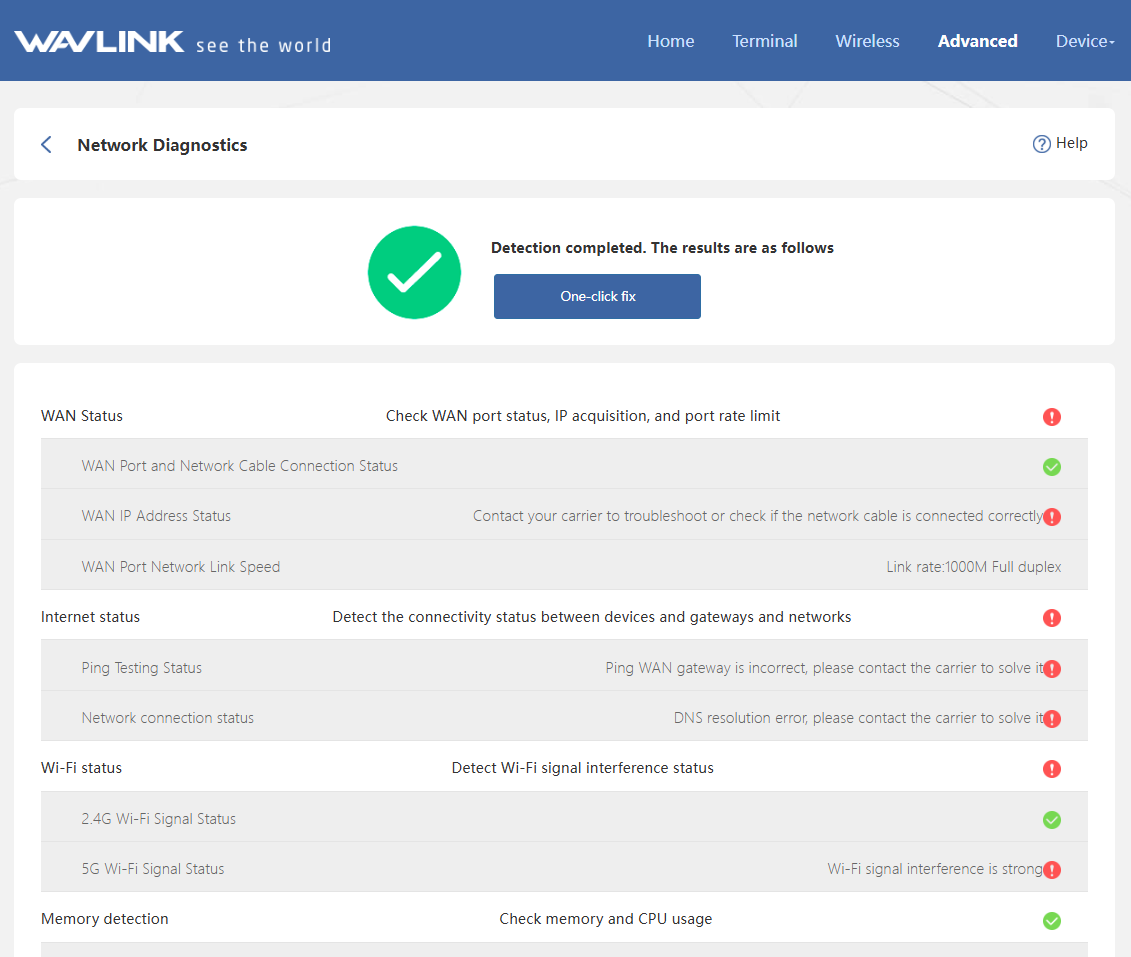
The network diagnosis will check the status of the upstream network, router network status, and device's system status. The test results may be affected by the environment where the router is located and the upstream network, therefore the test results are for reference only.
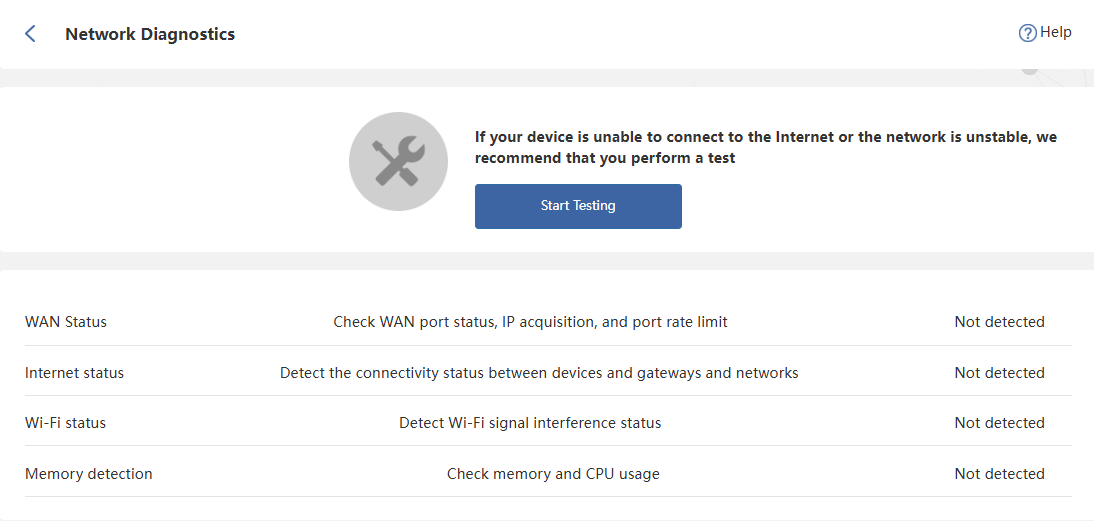
- Access to Advanced > Network Diagnostics.
- Click Start Testing.
- When the testing is done, click One-click fix,or follow the prompt to optimize the network.