Chapter 3 Initial Setup
Setup Guide
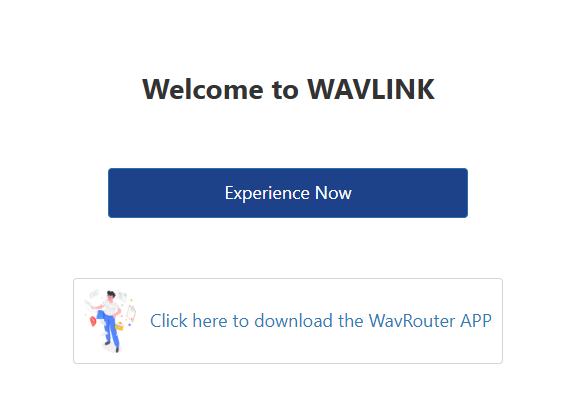
1.Input 192.168.20.1 or http://wavlogin.link in the address bar of the browser. Click on Experience Now.
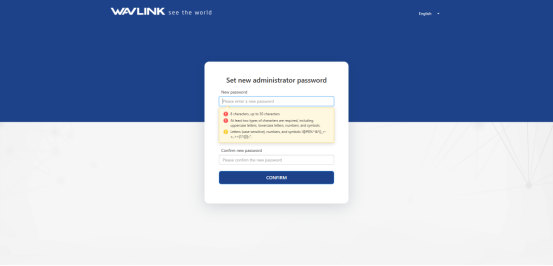
- Set and confirm your password.
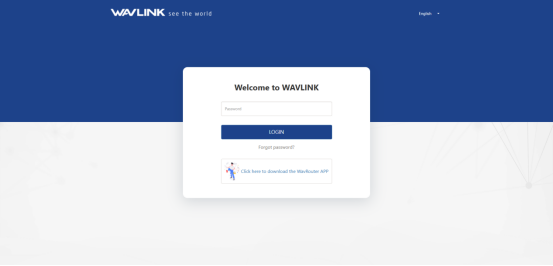
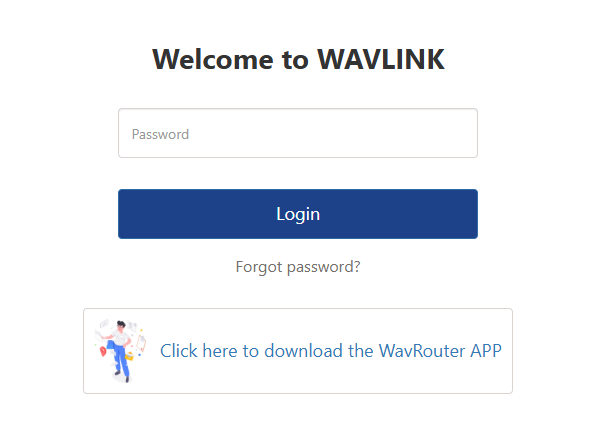
- Then input the password and login the web.
- Select your network connection way from the WAN Type list.
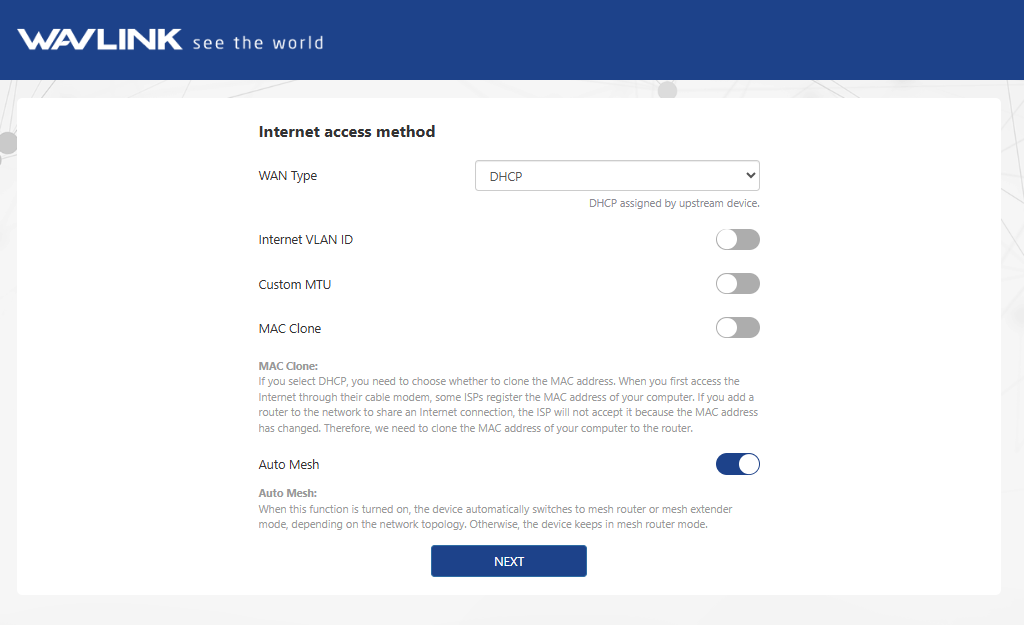
1)DHCP(Dynamic Host Configuration Protocol)
- It assigns network information including IP, Subnet Mask, default Gateway and others for the computer, designed for small network environments such as a home or a small office, managing and assigning IP without manual configuration.
- If the ISP(Internet Service Provider) has provided Auto Assign Feature for you, select DHCP from the WAN Type list.
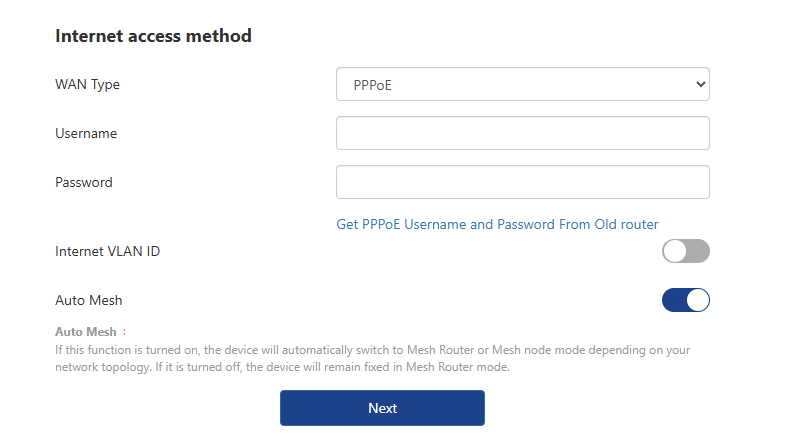
2)PPPoE(Point-to-Point Protocol over Ethernet)
If functions as a secure connection constructor, including verifying user identity, assigning IP, and others. It is designed for broadband access methods such as ADSL, fiber optics and others to provide a secure network connection.
If the ISP has provided a Username and Password for you, enter them after selecting PPPoE from WAN Type list.
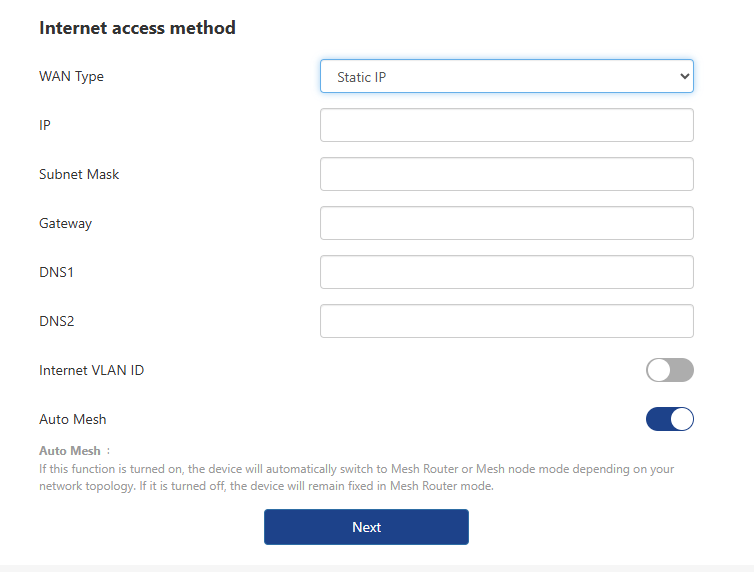
3)Static IP
It assigns fixed IP address for the computer automatically. It is designed for network connections, servers, remote access, etc., which require long-term stability to ensure the stability of network connections.
If the ISP has provided a specified IP parameters including IP address, Subnet Mask, Gateway, DNS1 and DNS2, select Static IP from the list and enter the information provided by the ISP.
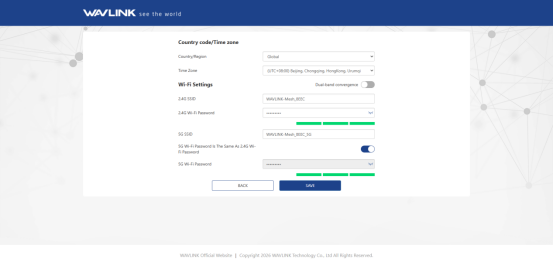
5.Select your Country/Region and Time Zone, then set your Wi-Fi Name and Password. Click SAVE to continue. You can turn on the switch to make the 2.4G and 5G networks share the same password.
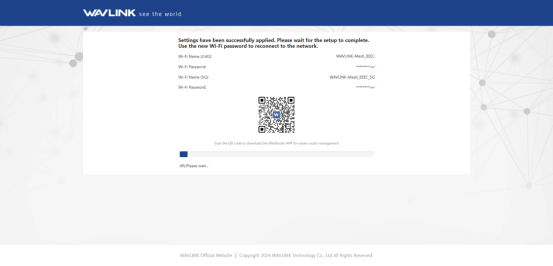
4.Wait for the setup to complete. Click Refresh.
5.Enter the password you have set, and click Login.
To configure the router's working mode, refer to Mode Selection section within Chapter 4.
More Translations Download PDF