Chapter 2 Hardware Connection
This chapter contains the following section:
Hardware Connection
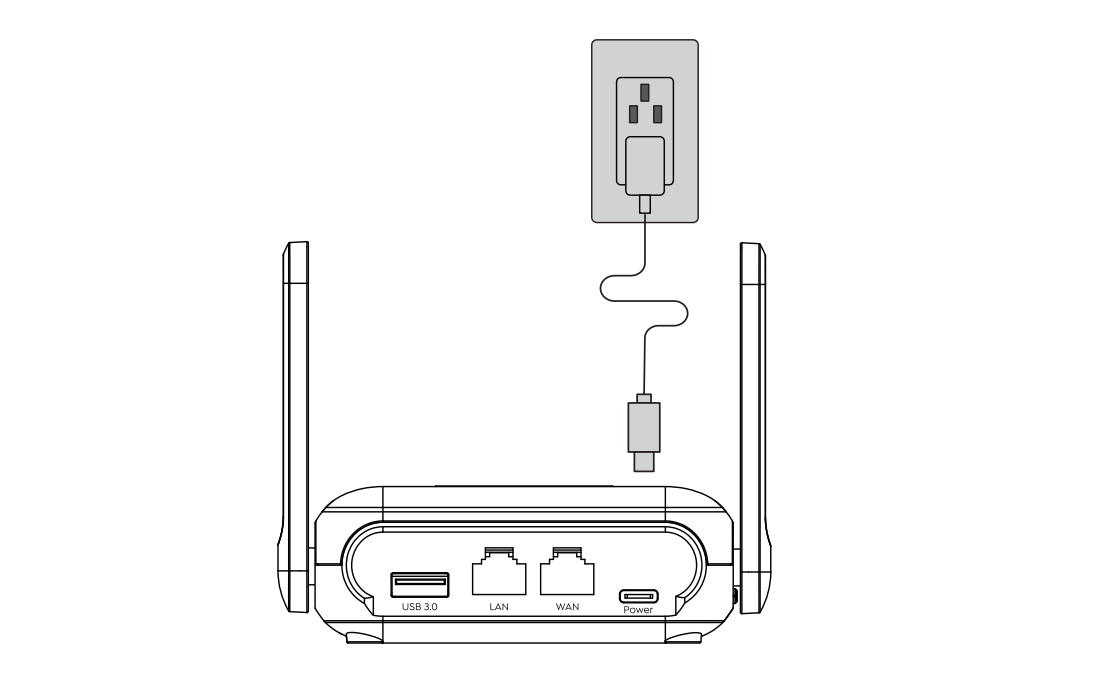
- Connect the USB-C power adapter to the Router, then wait for the router to finish booting up.
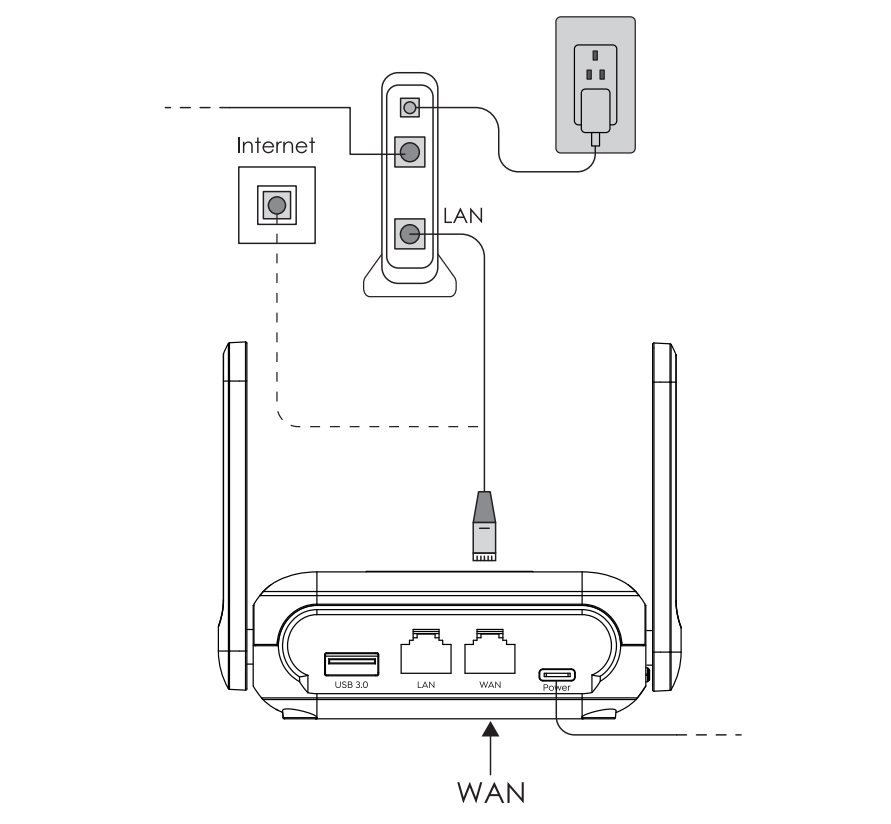
- Connect the WAN port to DSL/Cable Modem or the Ethernet wall outlet(optional).
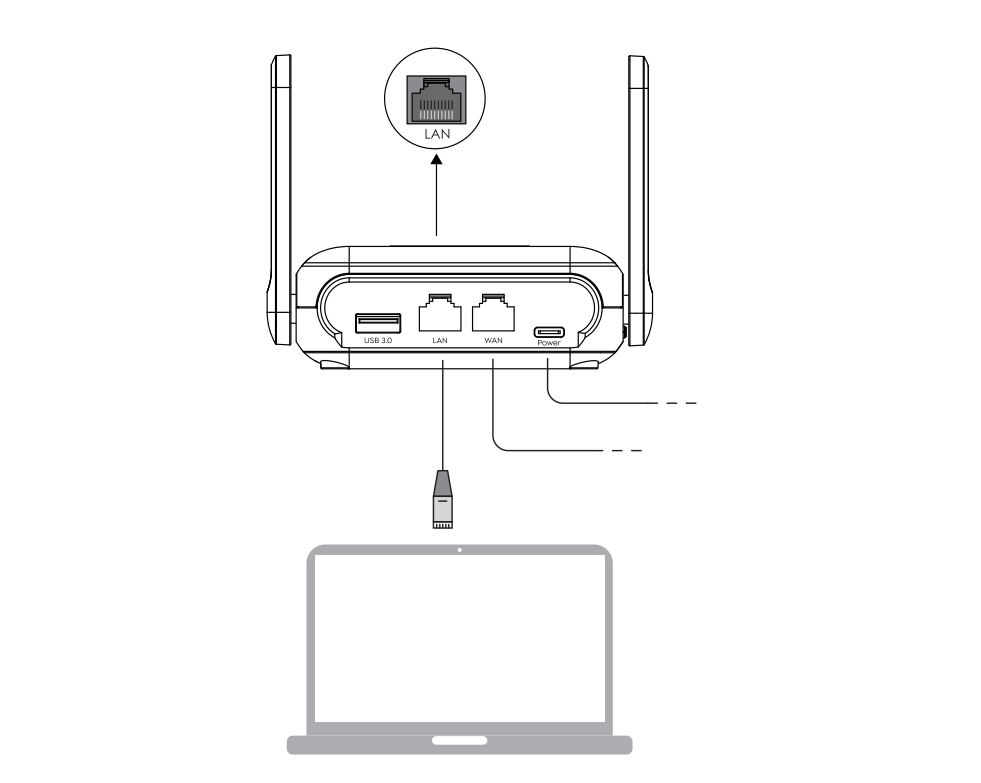
- Connect to the device via Wireless or Wired connection.
- (1) Wireless Connection: Connect to the router’s WiFi SSID(on the bottom of the router).
- (2) Wired Connection: Disconnect or Turn Off WiFi on your computer to prevent conflicts in network processing order, then connect it to router’s LAN port via an Ethernet cable.
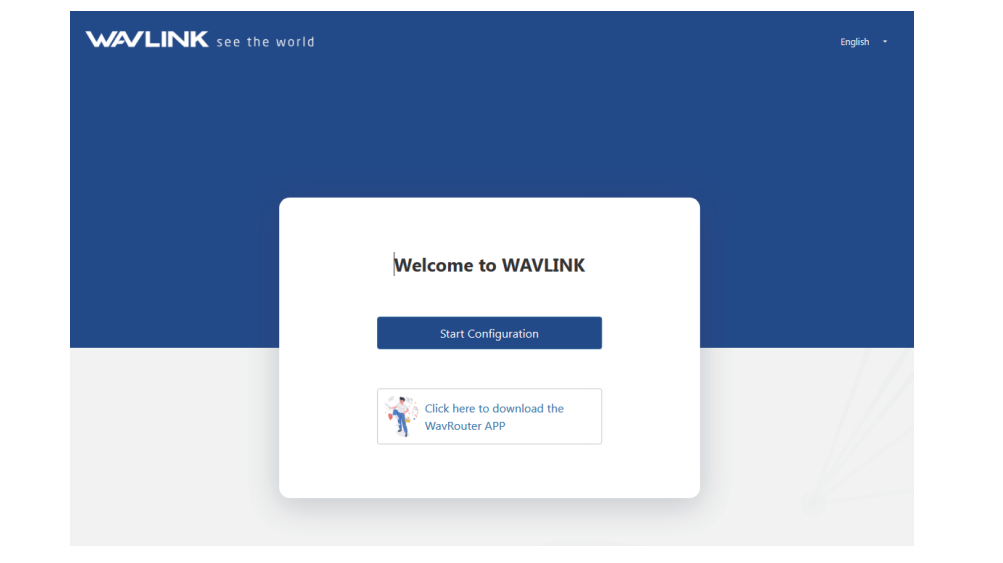
4.Open a browser and enter 192.168.20.1 or http://wavlogin.link in the address bar, click Start Configuration.