Chapter 14 Developer Options
This contains the following sections:
• SSH
• LUCI
SSH
SSH (Secure Shell) is an encrypted network protocol. When enabled, it allows users to remotely log in to the router via an SSH client application. This feature is primarily intended for users with certain development experience, enabling them to perform tasks like configuration management, debugging, and executing commands on the router’s system in a secure manner.

-
Access to More>Developer Options>SSH.
-
Toggle the SSH switch to ON (blue indicates enabled).
-
Click SAVE to confirm and activate SSH access.
LUCI
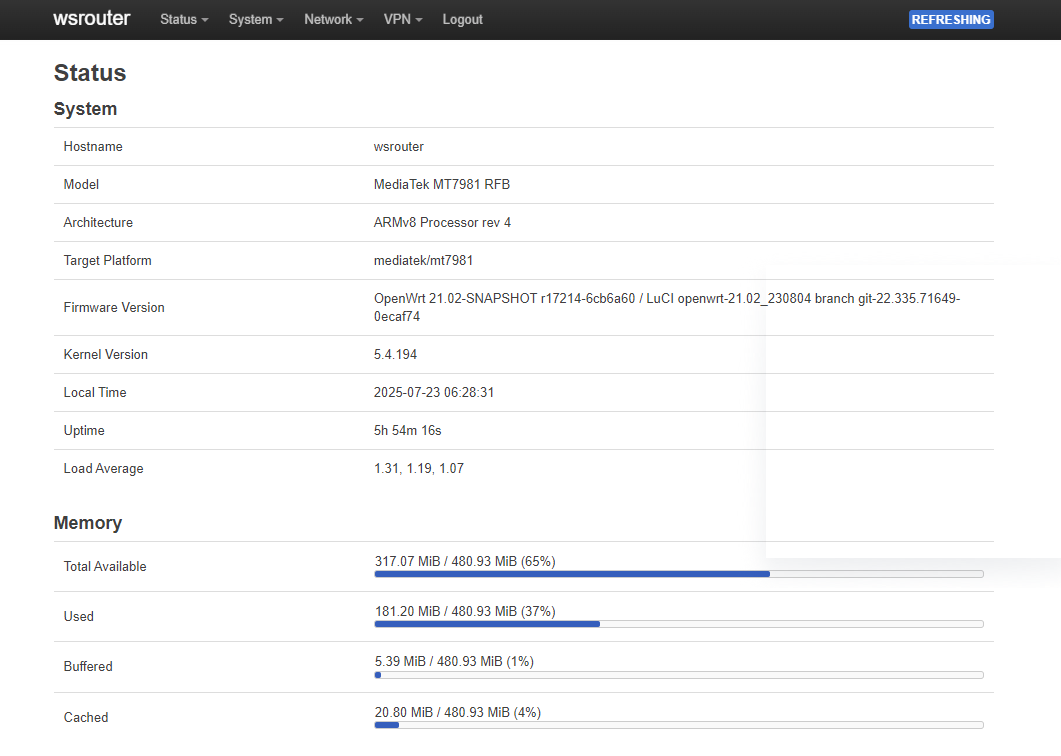
LuCI (Lua Configuration Interface) is the default web-based management interface for OpenWrt systems. Accessing LuCI enables you to manage and configure your router via an intuitive web interface.

-
Access to More>Developer Options>LUCI.
-
Toggle the LUCI switch to ON (blue indicates enabled).
-
Click the clickable access link displayed on the page to open LUCI directly in your default web browser.

- Log in with your router’s password to access and manage settings via the graphical interface.
- If you adjust any settings on this page, click SAVE to apply and update your changes.