Chapter 4 Display Mode Setting
This chapter contains the following sections:
Display Mode Setting
For Windows Users
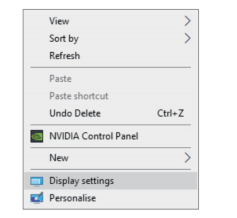
- Right-click at any spot on your desktop and select “Display settings”.
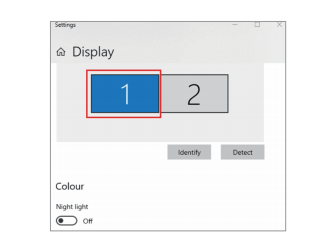
- On “Display", please select either monitor 1 or monitor 2.
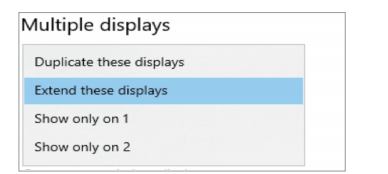
- Scroll down to the “Multiple displays", and select the mode in the drop-down list that is fit for your need.
For Mac OS Users
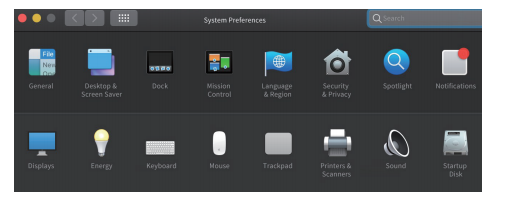
1.Select “System Preferences” and then choose “Displays”.
- Click on “Arrangement” to change the position of displays currently connected.
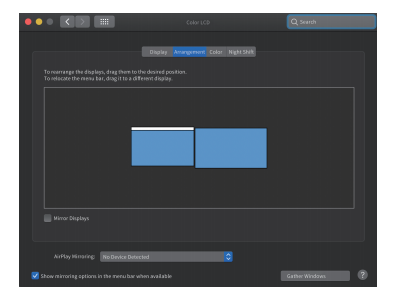
The image above shows Extend Mode.
- Select either extend or mirror mode on your demand.
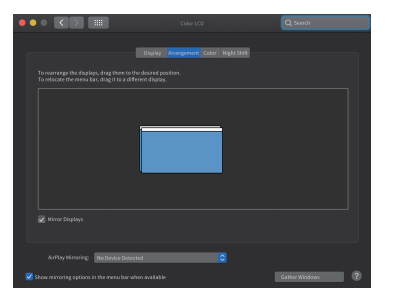
The image above shows Mirror Mode.
More Translations Download PDF