Chapter 2 SSD Installation
-
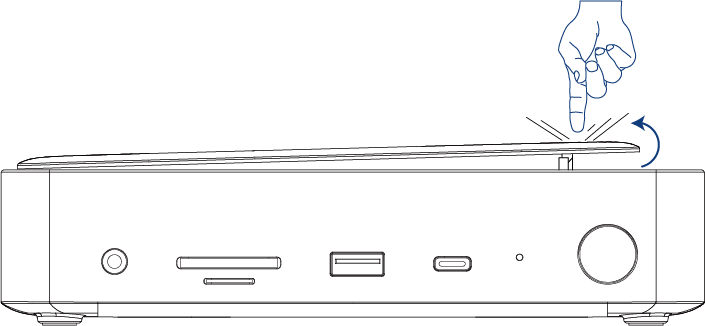
Press to release the top cover of the Dock.
-
At a 45-degree angle, slide in your SSD until it is firmly installed. Insert the silicone retention clip into the mounting socket on the SSD. Align the SSD with the slot’s fixing hole and gently seat it. Rotate the retention clip clockwise until secured.

note
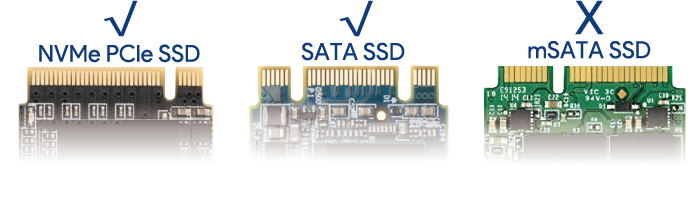
To ensure proper SSD operation, first select a compatible SSD type. This device supports both PCIe and SATA SSDs. Refer to the following image for reference:
- Reassemble the top cover.
