Chapter 3 Display Setting
This chapter introduces the steps of display mode settings.
It contains the following section :
Display Mode Setting
For Windows
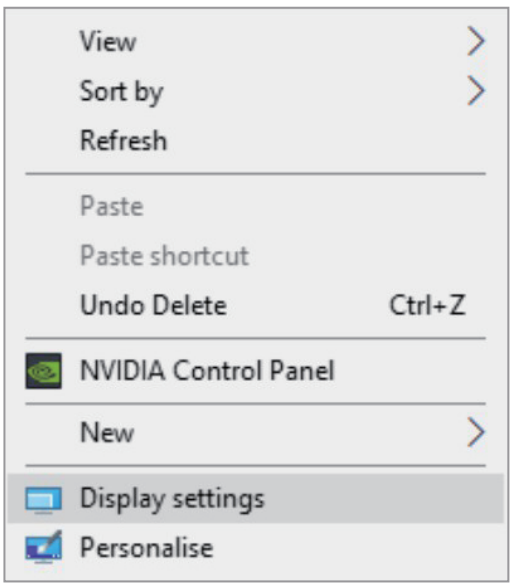
- Right-click at any spot on your desktop and select "Display settings".
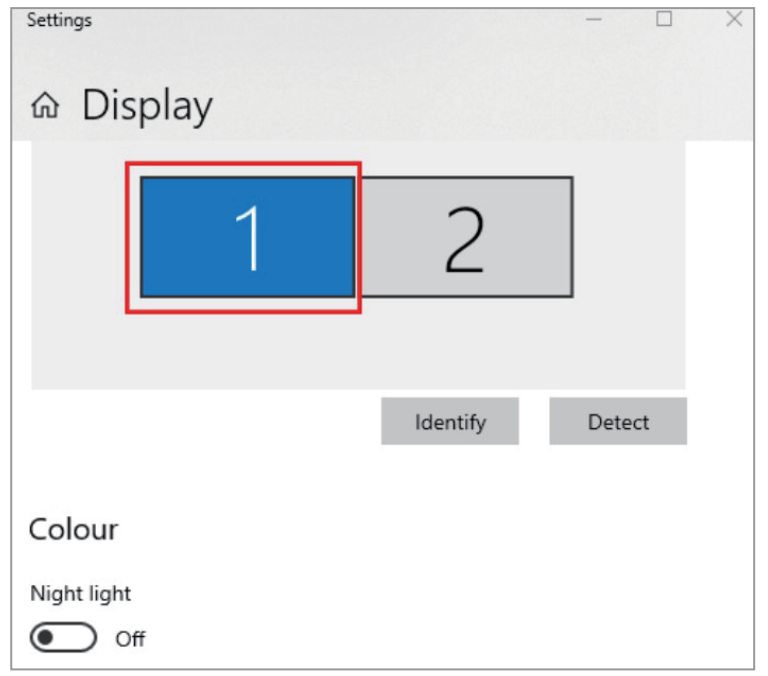
- In "Display", please select either monitor 1 or monitor 2.
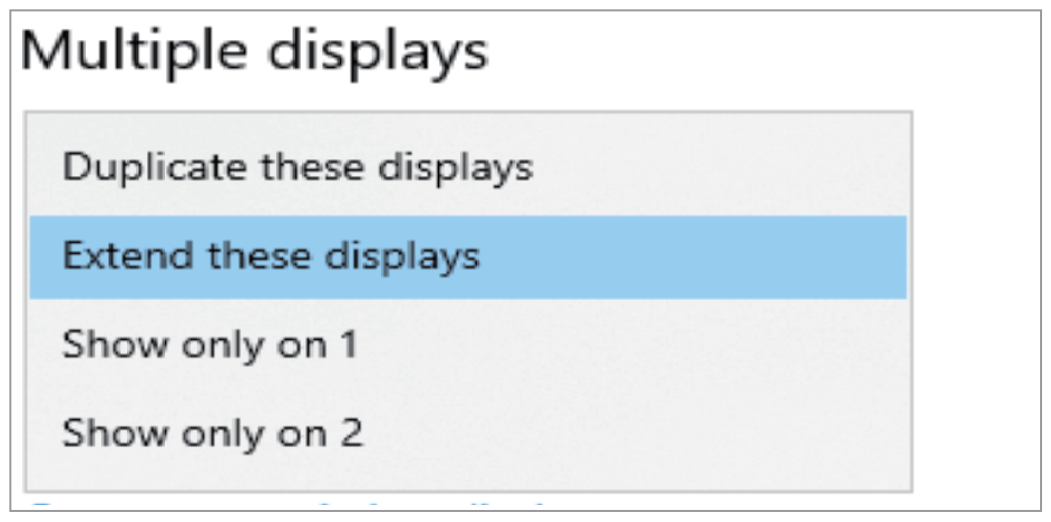
- Scroll down to the "Multiple displays", and select the mode in the drop-down list that is fit for your need.
For Mac OS Users
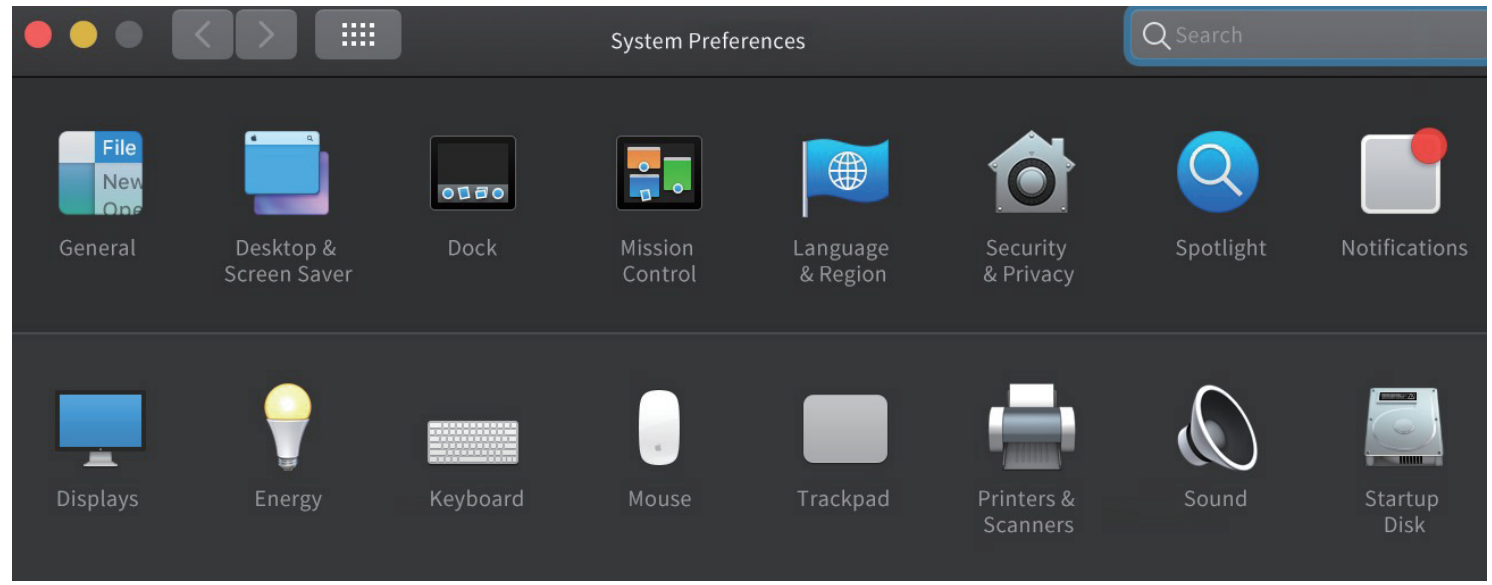
- Select "System Preferences" and choose "Displays".
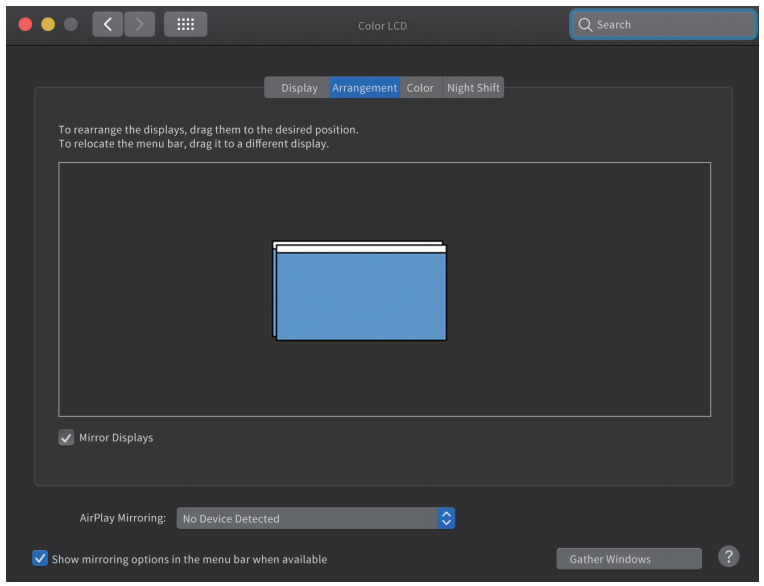
- Click on "Arrangement" to change the position of displays currently connected.
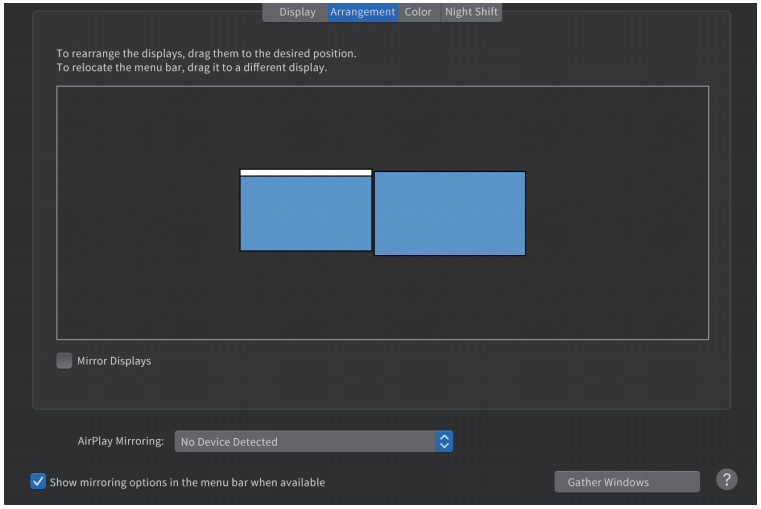
- Select either extend or mirror mode on your demand.