Chapter 2 Hardware Installation and Working Modes
This chapter introduces how to install this router and its working modes.
It contains the following sections :
Hardware Installation
This ceiling-mounted router can be installed on the ceiling and the wall. Please install this router as follows:
Note: This device requires heat dissipation through the plastic bracket during use, please be careful not to touch the plastic bracket in the heat dissipation.
Mounted on Ceiling
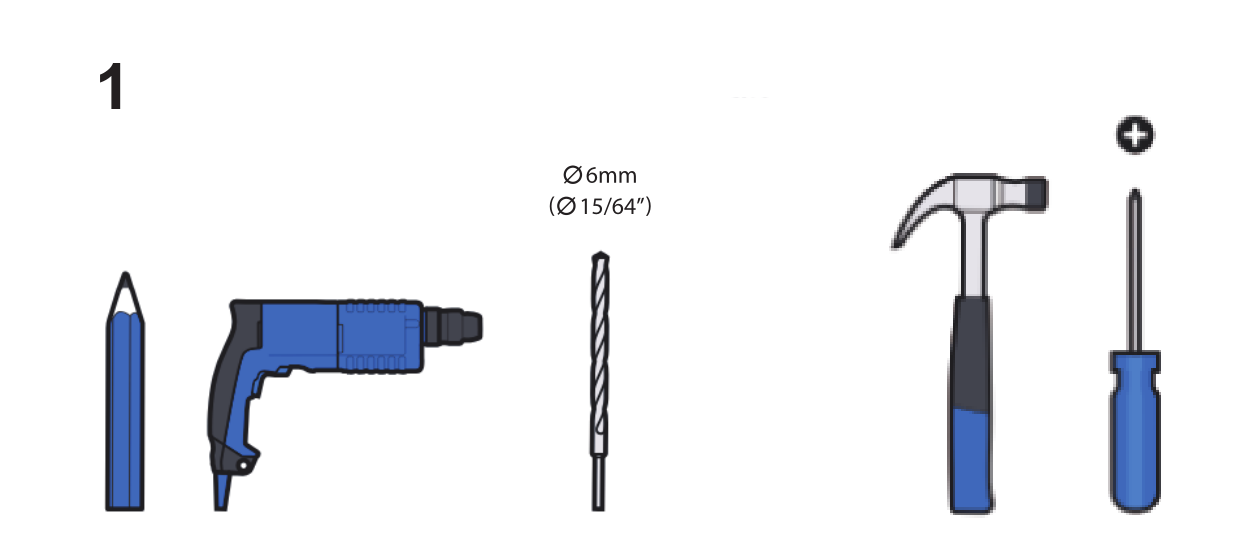
These tools are not included.
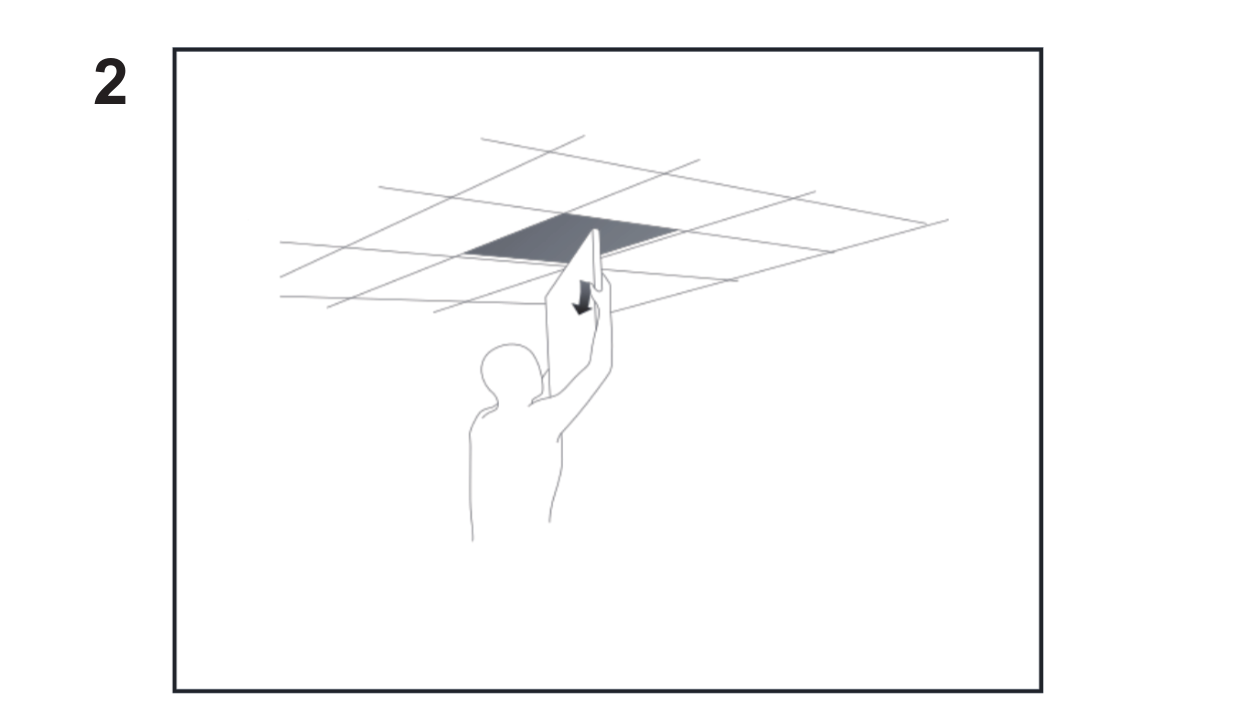
Remove the ceiling tile, cut a hole for the network cable.
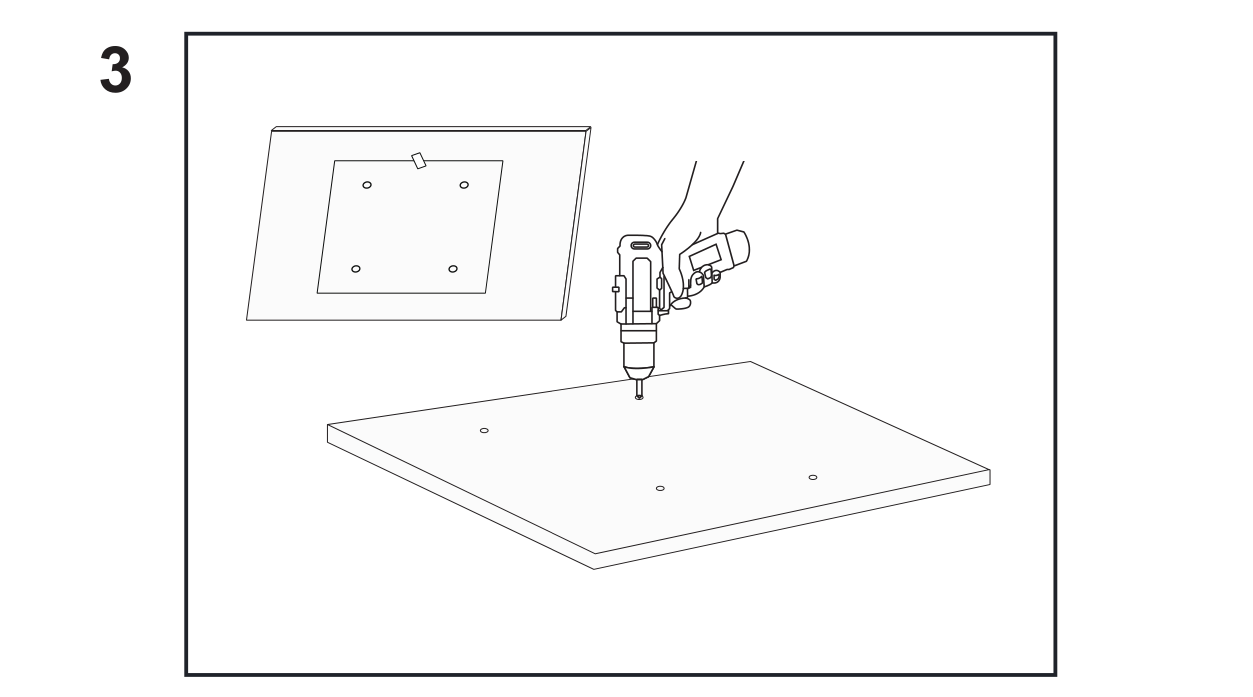
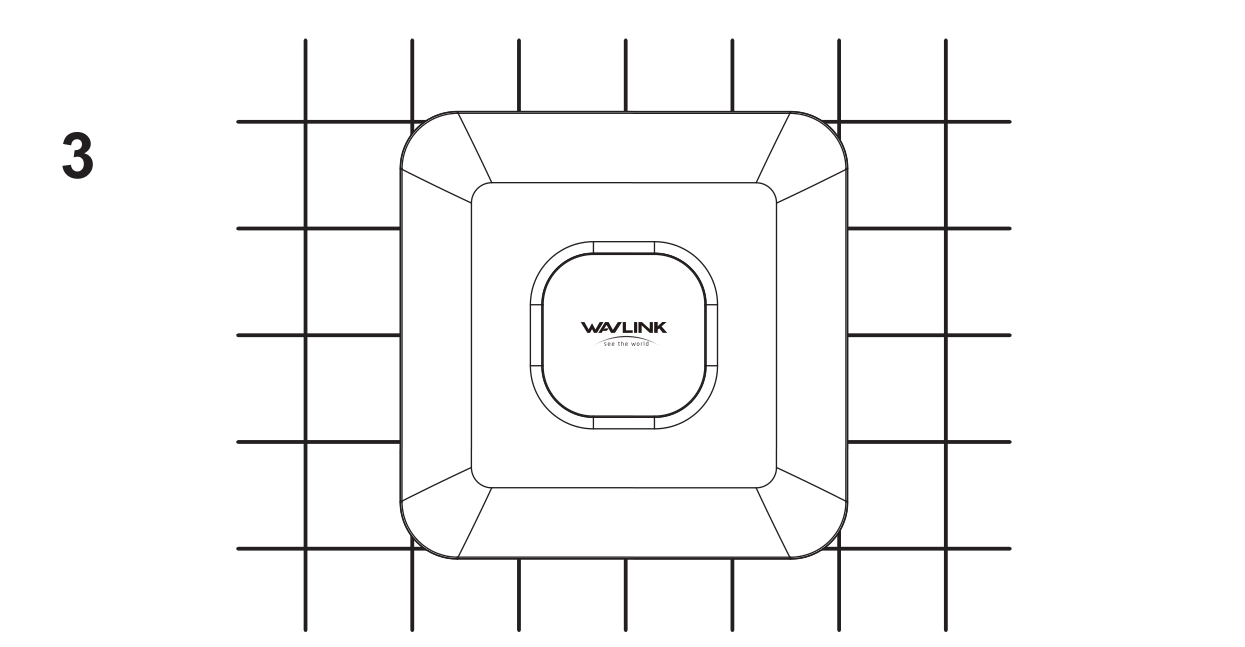
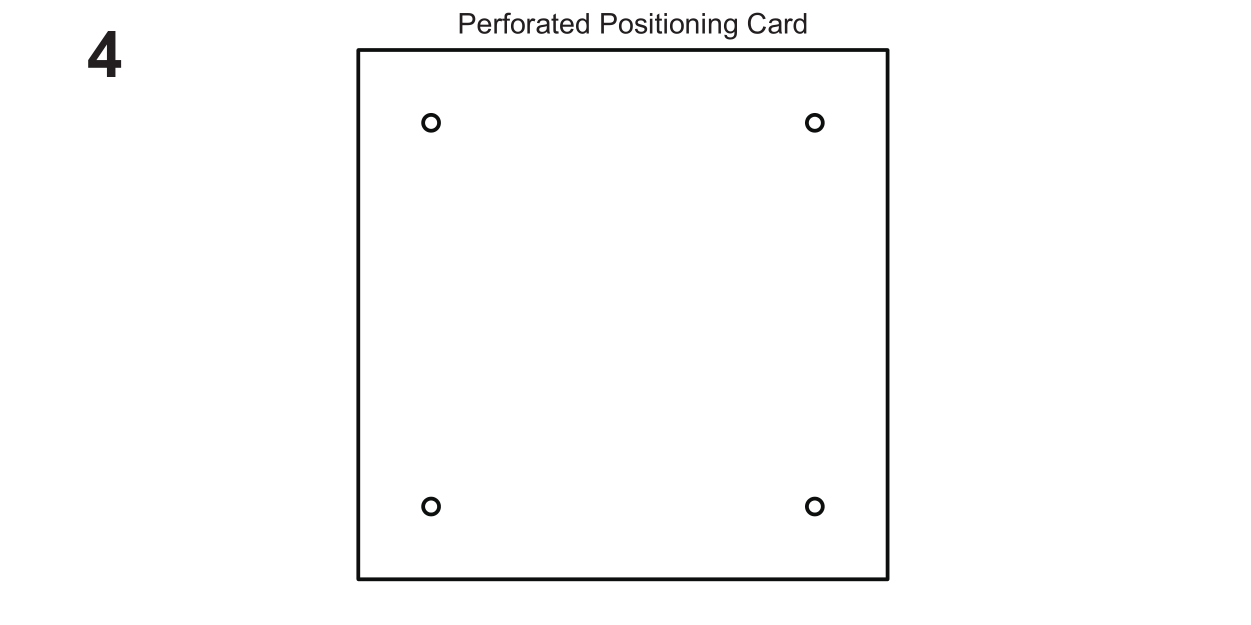
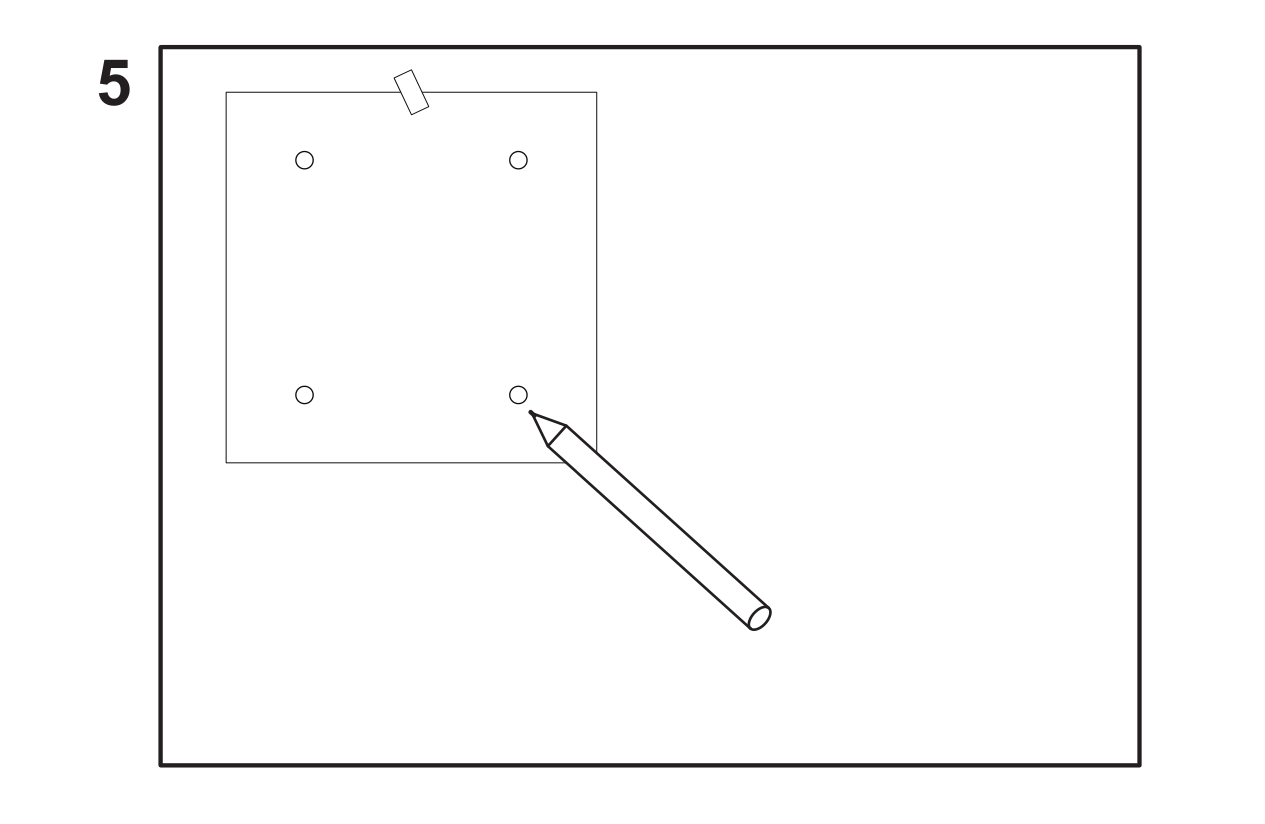
Stick the perforated positioning card in the center of the ceiling. Remove the ceiling tile and mark installation holes, Drill four holes in the ceiling tile. Put screw fittings into holes.
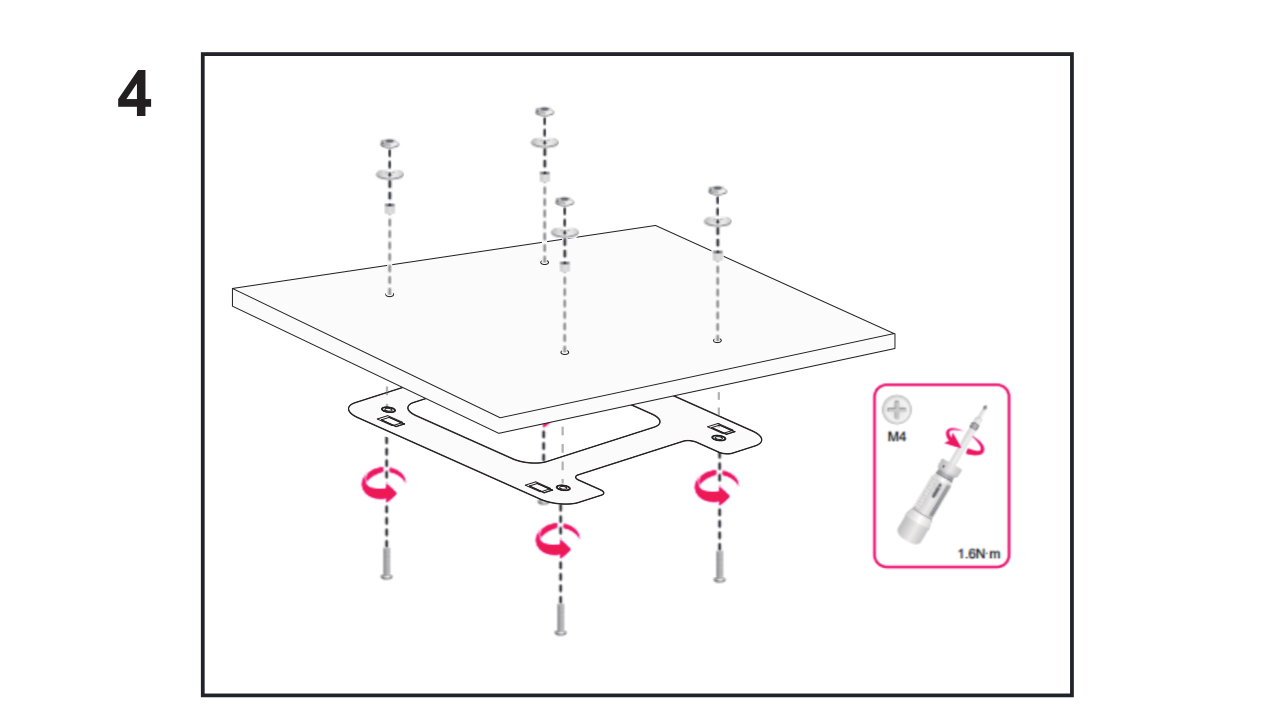
Use the pan-head screws to attach the mounting bracket to the ceiling tile.
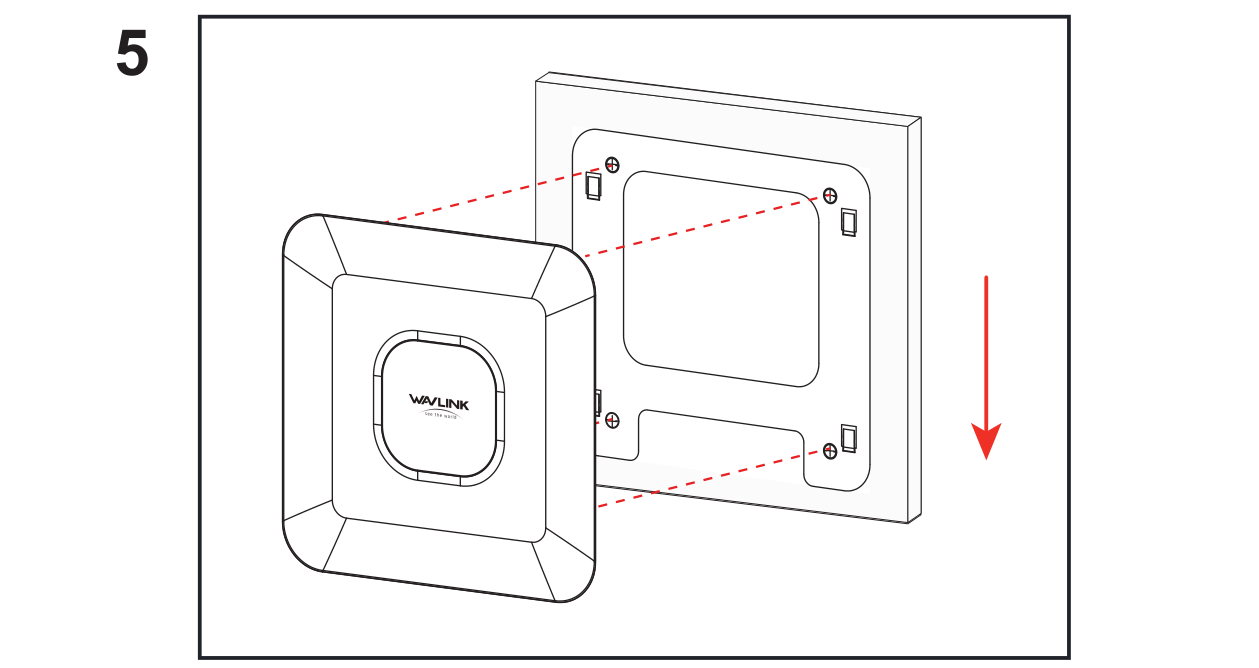
Position the four pegs at the AP rear into the hook buckle in the mounting bracket and then slide the AP down until it sits securely in the keyhole slots.
Mounted on Wall
These tools are not included.

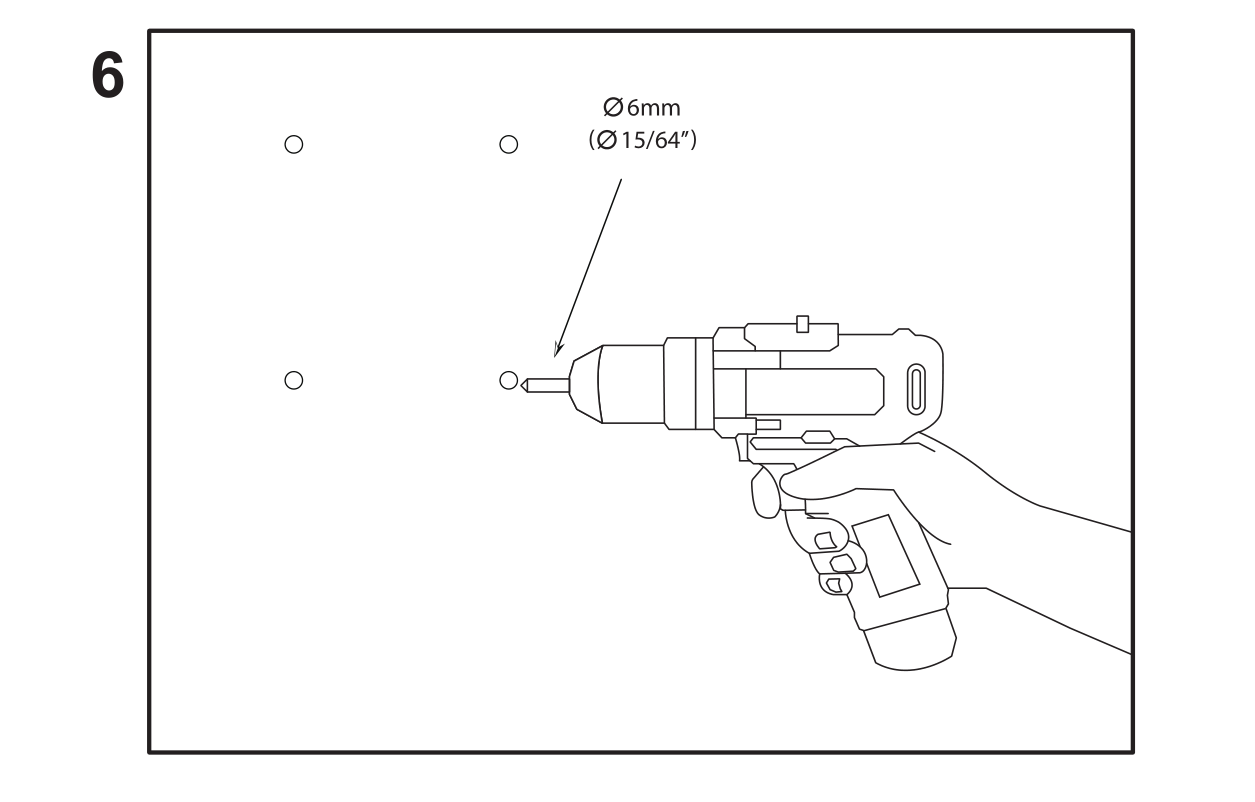
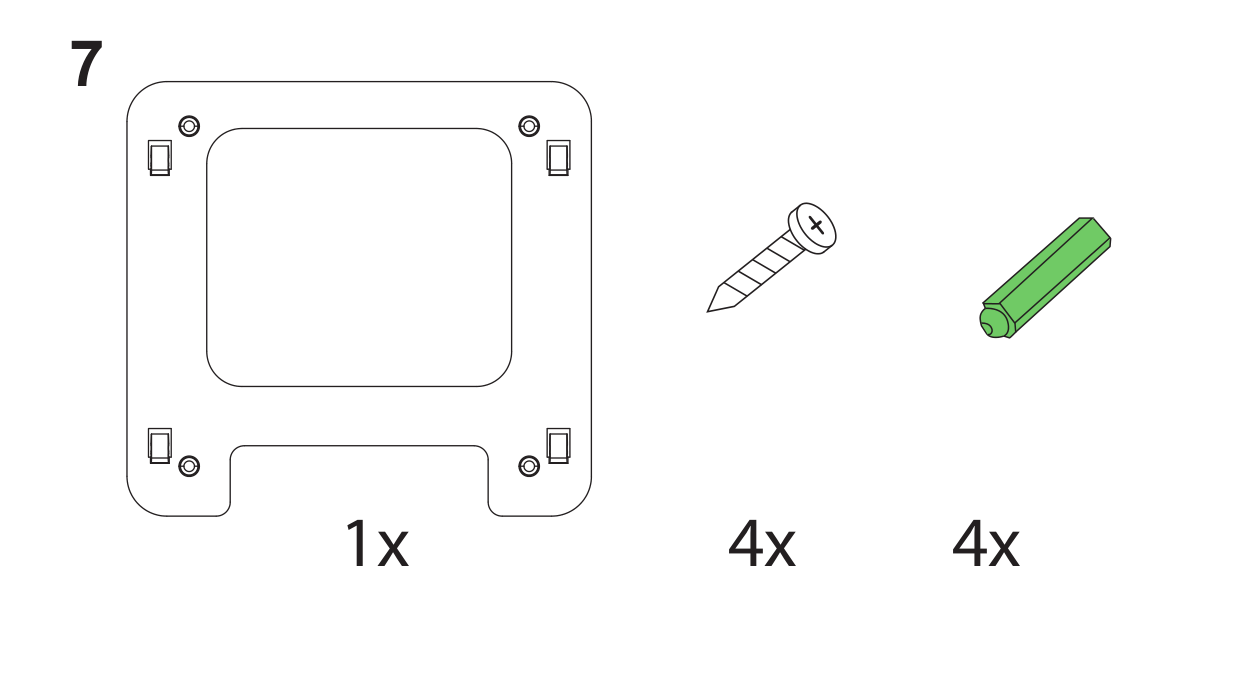
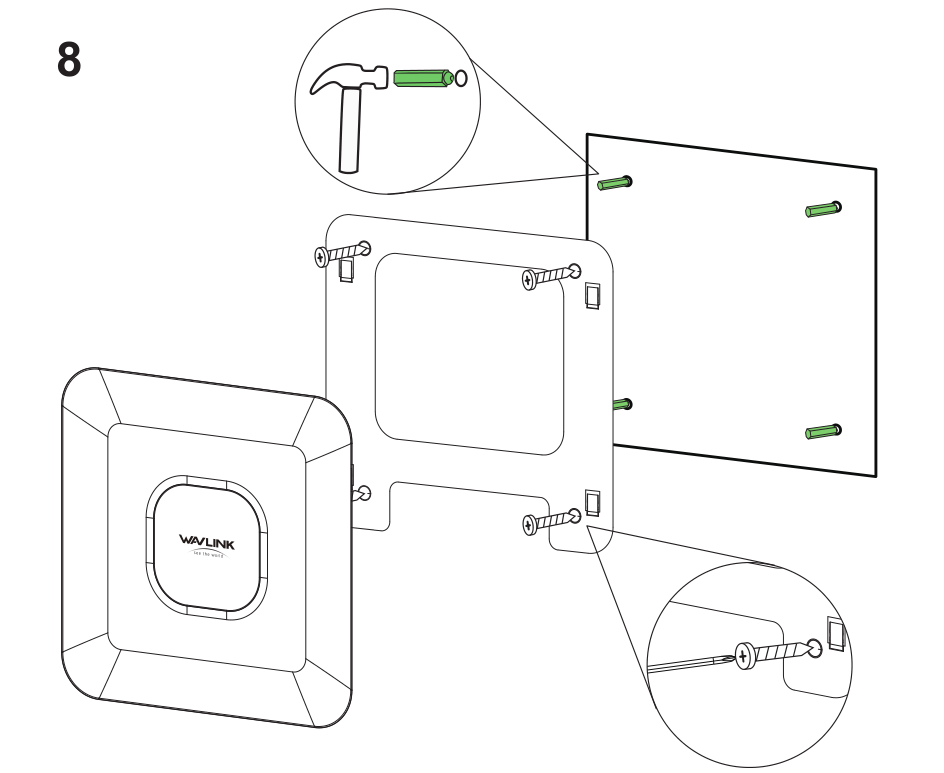
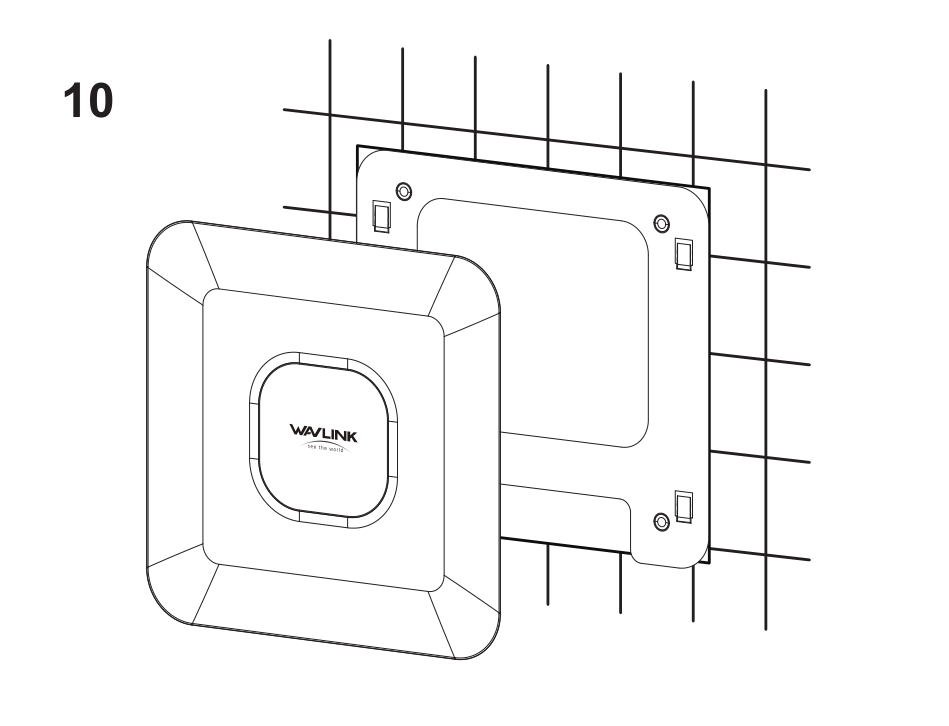
Working Mode
This AP supports four work modes: FAT mode, FIT mode, Router mode, and Repeater Mode. Here is a brief introduction to the four work modes:
Case 1: FAT AP
FAT mode refers to that the AP can be independently configured and has a separate management interface, just like a regular wireless AP.
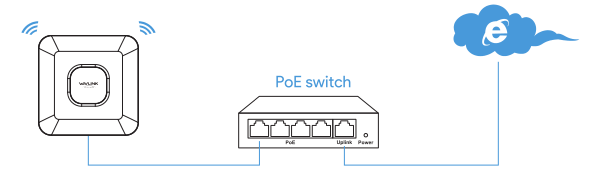
FAT mode is primarily used in small networks that do not use an AC Controller.
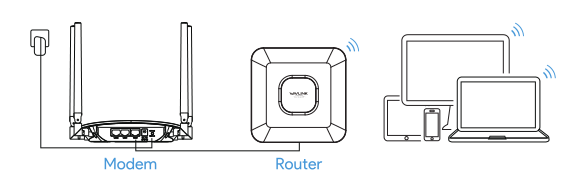
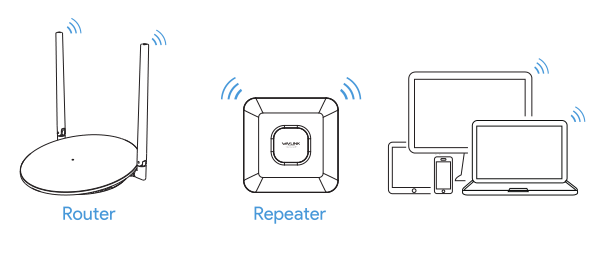
Here are serval typical modes for FAT AP
AP/Router Mode
Repeater Mode
Case 2: FIT AP
FIT mode refers to that the AP is centrally controlled and managed by the WAVLINK AC (Wireless Access Point Controller).
If it works as a Fit AP, which is typically responsible only for data transmission and basic radio frequency management. All network decisions, configurations. security, and traffic control operations are handled by the WAVLINK AC Controller.
Fit APs are typically used in an AC+AP network architecture and can only be utilized with the WAVLINK wireless access point controller, as shown in the diagram below.
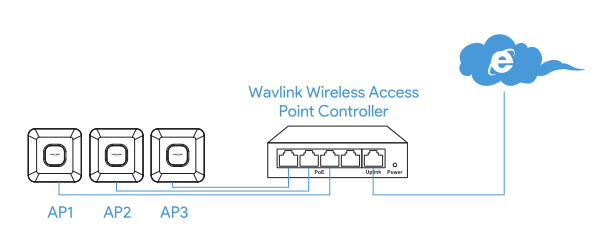
FIT mode is ideal for larger networks with broader coverage, large number of users, and a need for efficient network performance and enhanced security.