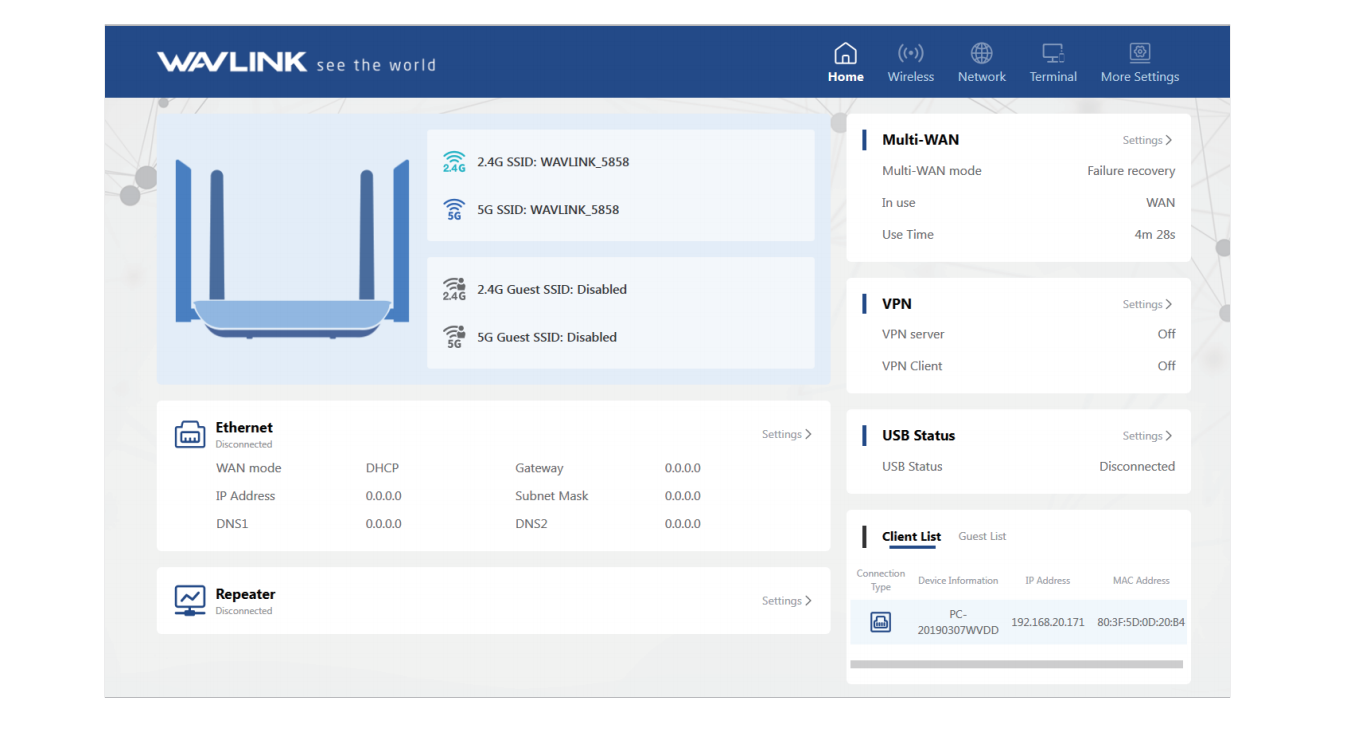
Chapter 3 Setup Guide
This chapter contains the following sections:
Video Guide
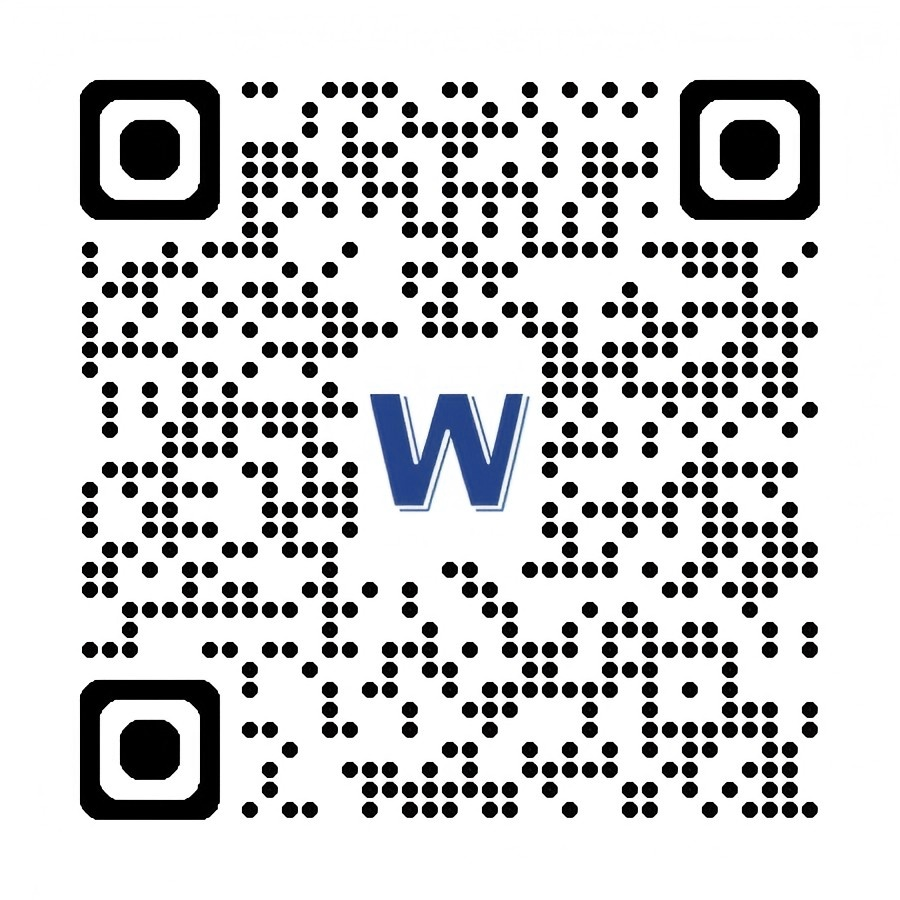
Please scan the QR code or visit the link to watch the installation video.
- From Official Website: https://www.wavlink.com/en_us/video/2a322cf063.html
Setup Guide
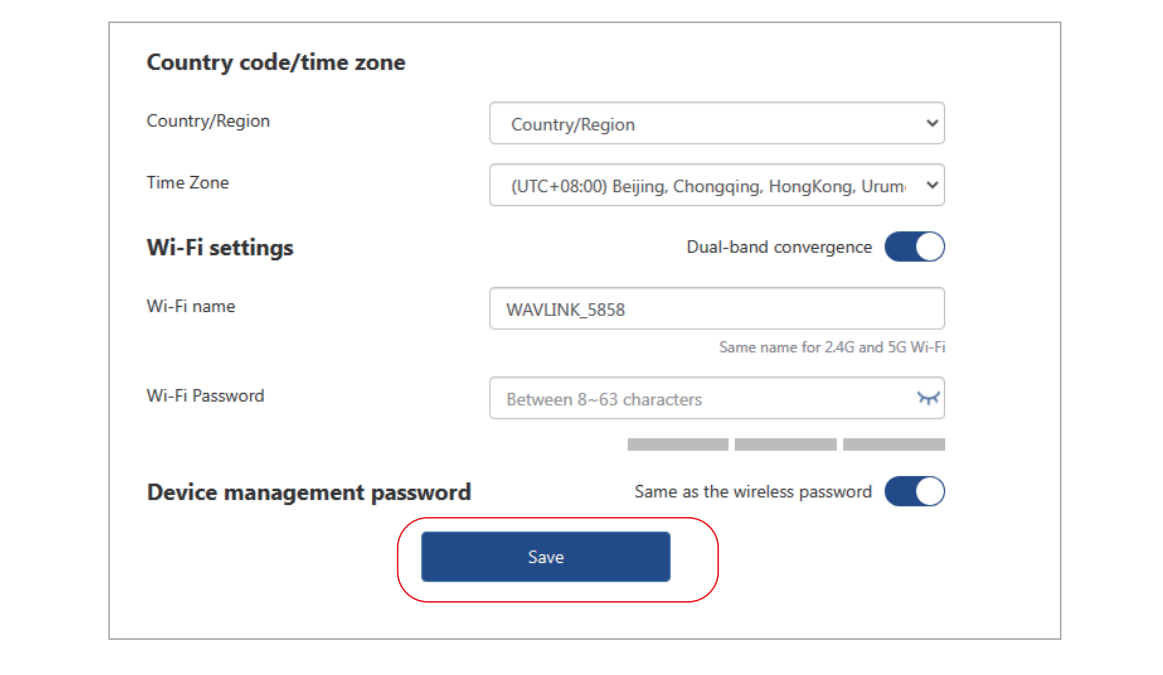
- Select the Country/Region and Time Zone, then set the WiFi name and password, and you can keep the device management password same as the wireless password, after the above configuration, click Save.
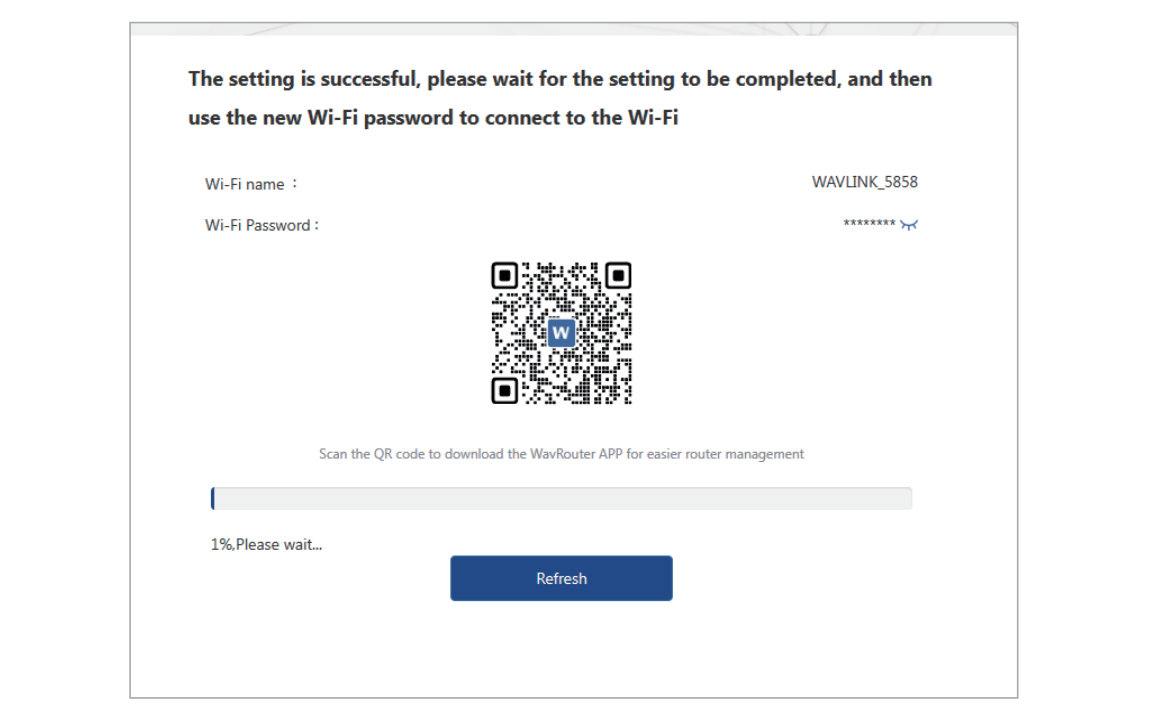
- Wait for the process bar to be 100%, then you can connect to the WiFi using your new WiFi password. Scan the QR Code using your phone to download WavRouter APP.
- Customize network settings according to your needs.