Chapter 8 USB Setting
This chapter contains the following section:
Storage Management
Please plug your USB storage device into the router's USB port, then you can access the storaged file locally and remotely.
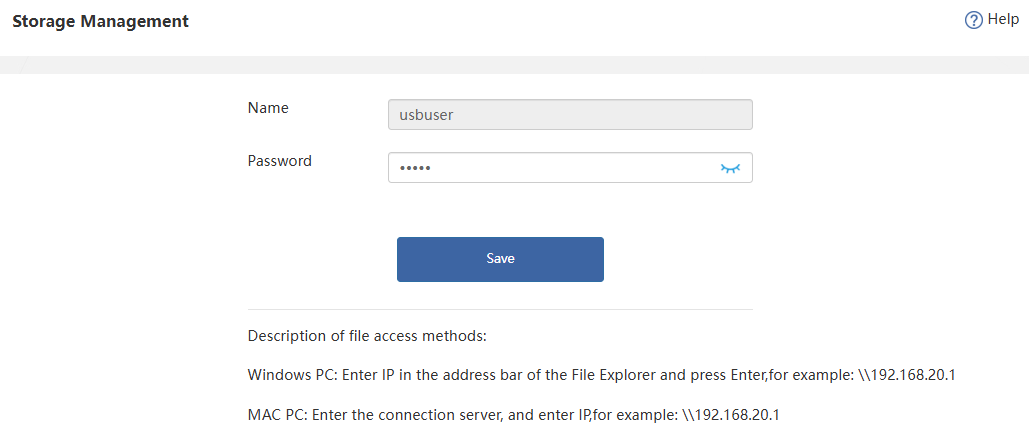
- Plug the USB storage device into the router's USB port.
- Windows PC: Input the IP address (for example:\192.168.20.1) in the address bar of the file explorer and press Enter. MAC PC: Enter the connection server, and input IP address(for example:\192.168.20.1).
Note: Only FAT32, and NTFS file format are supported. - Use the username and password you set before to access it. If you need to change your password, please click Advanced>Storage Management.