Chapter 2 How to Use
This chapter contains the following sections :
• Recharging/Replacing the Battery
Button Operation
| Operation | Description |
|---|---|
| Power Button | Long-press over 3s to turn on/off |
| Volume+/Pair Button | Long-press 3s to pair with the Master Headset, short-press to increase the volume. |
| Volume-/Clear Button on Master Headset | Long-press 12s to clear paired Master Headsets information, and the Headset Remote restarts after successful clearing Short-press to decrease the volume. |
| Mute Button | Short-press to mute or unmute the headset. |
| Mic Boom | Swivel over the top 270-degrees, can be worn on either side, and activates mute when upright and communicates when vertical. |
| Type-C Charging Port | Charging the Battery while connecting to an USB-C cable. |
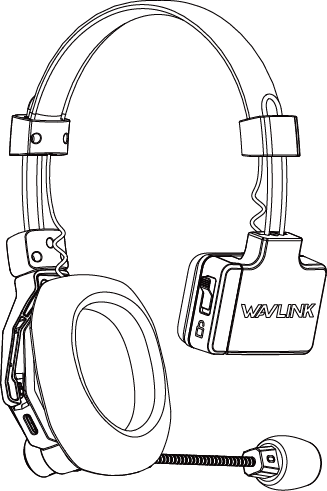
Headset Using
- Put on the headset and adjust to a comfortable size and position.
- Press and hold the power button to turn on/off the Master/Remote headset.
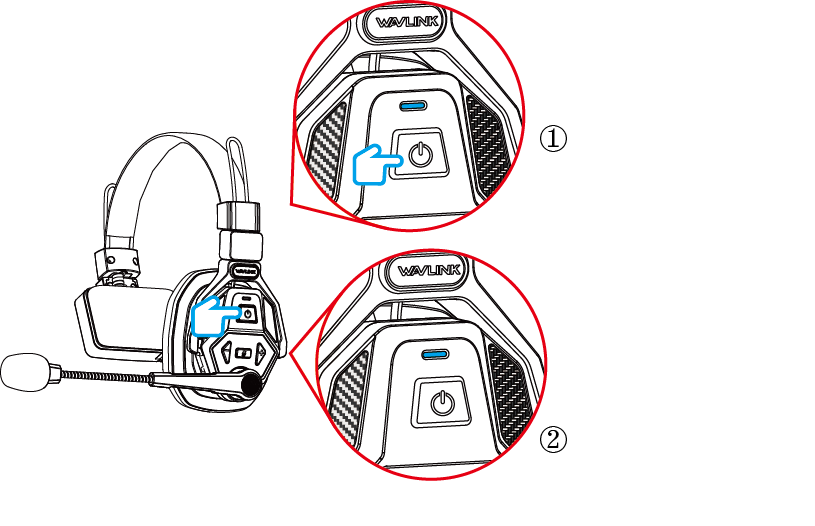
①Successful Pairing-Solid Blue(Full Charged)
②Failed Pairing-Flashing Blue(Full Charged)
3. They are paired at the factory, the connection will be established once they are powered on. If they are disconnected, try to pair them as the following steps:
3.1 If it is pairing with a repaired or replaced Remote Headset, before pairing with another Remote Headset, long pressing Volume-/Clear Button on the Master Headset for 10s to clear the paird information, the Master Headset automatically switches to restart status.
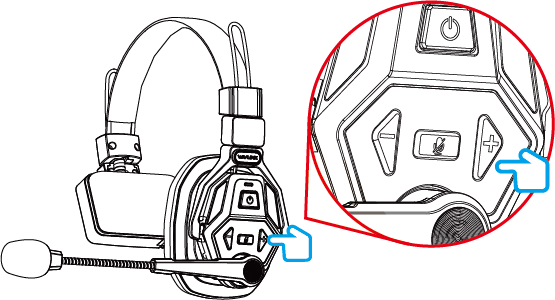
- A solid blue light indicates a full charge. In this state, a slow blue flash means no remote headset is detected.
Note:
- Each Master Headset can be paired with up to 7 Remote Headsets. To add a new Remote Headset, long-press the Pair button on the Master Headset.
- A Remote Headset can only be paired with one Master Headset at a time. Therefore, before pairing with a new Master Headset, the Remote Headset must first be unpaired from the previous one.
- Adjust the boom and position of the microphone capsule.
4.1. Adjusting Mic Position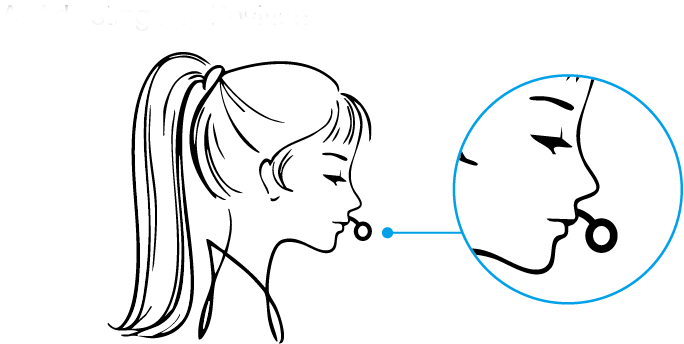
- For best sound quality, keep the microphone about 2 cm from your mouth.
4.2. Mute or Unmute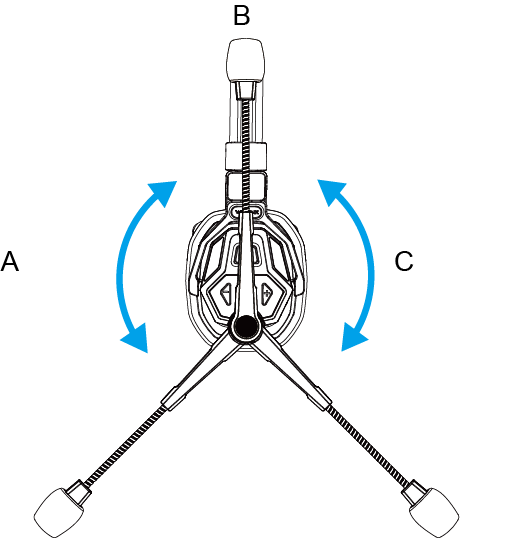 A/C: Unmute
B: Mute
Recharging/Replacing the Battery
- Charge the Battery as the picture shown if it is low:
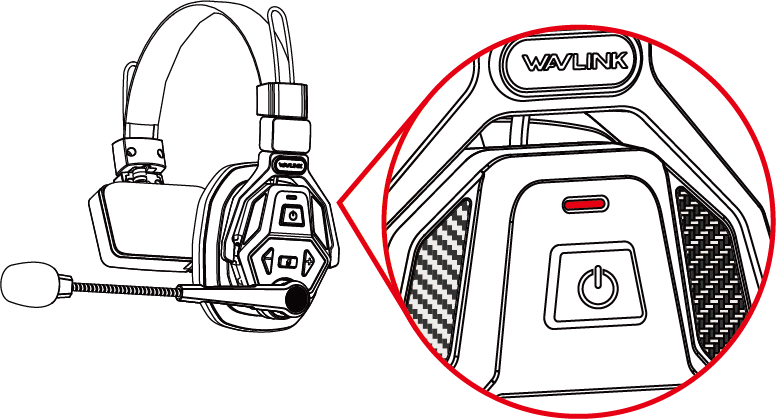
-
The indicator turns solid red when the battery drops below 20%.
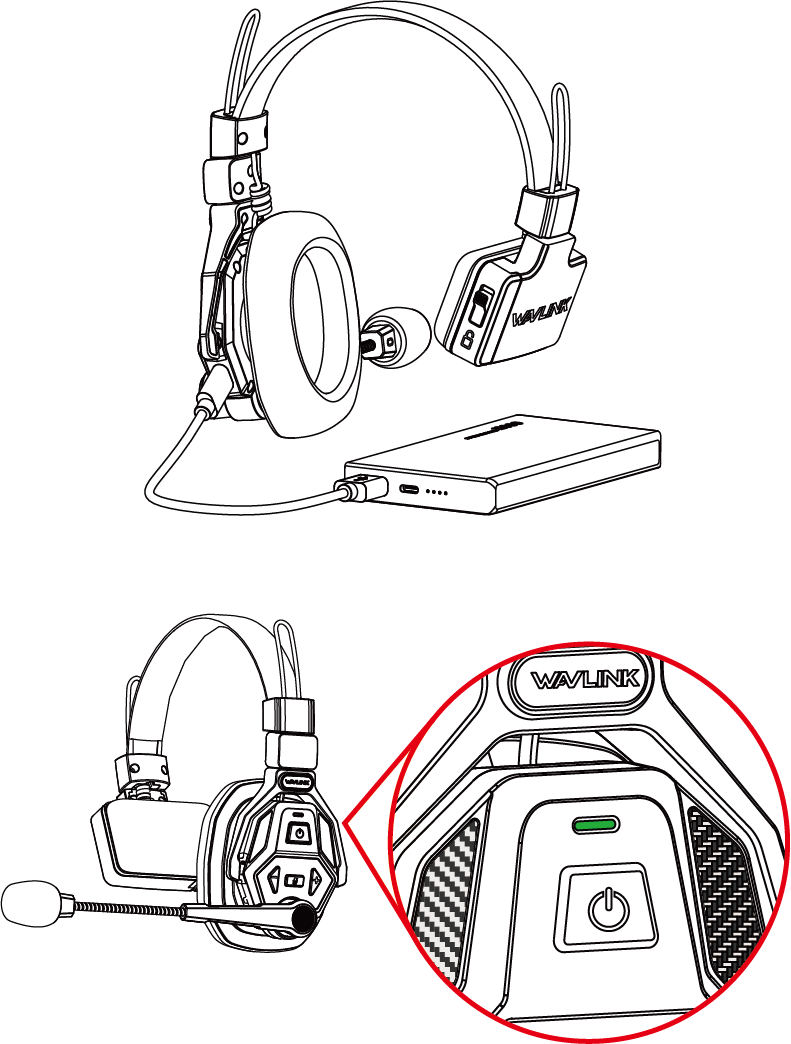
-
The headset remains off during charging.
-
The indicator flashes green during charging and turns off when fully charged.