Chapter 4 Driver Installation
Driver Installation
-
Download WAVLINK 10G Lan Card Driver from www.wavlink.com > SUPPORT > Driver>Search WL-NWP004-A
-
Extract zip file, and double click it to start up the installation.
-
Click Browse to choose install file location,
-
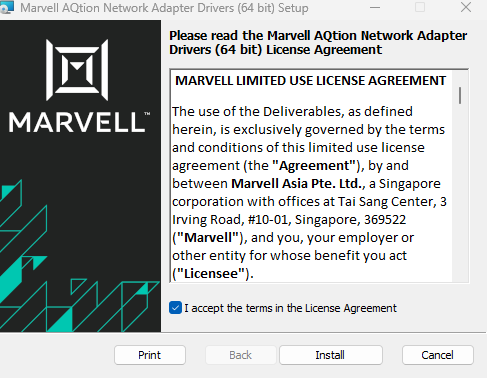
Tick the box of I accept the terms in the License Agreement and click Install.
-
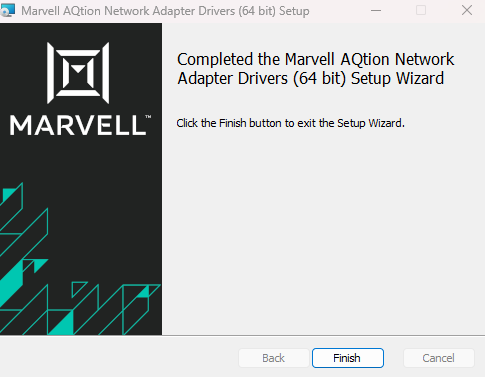
Click Finish to complete the installation.