Chapter 2 Installation
INSTALLATION
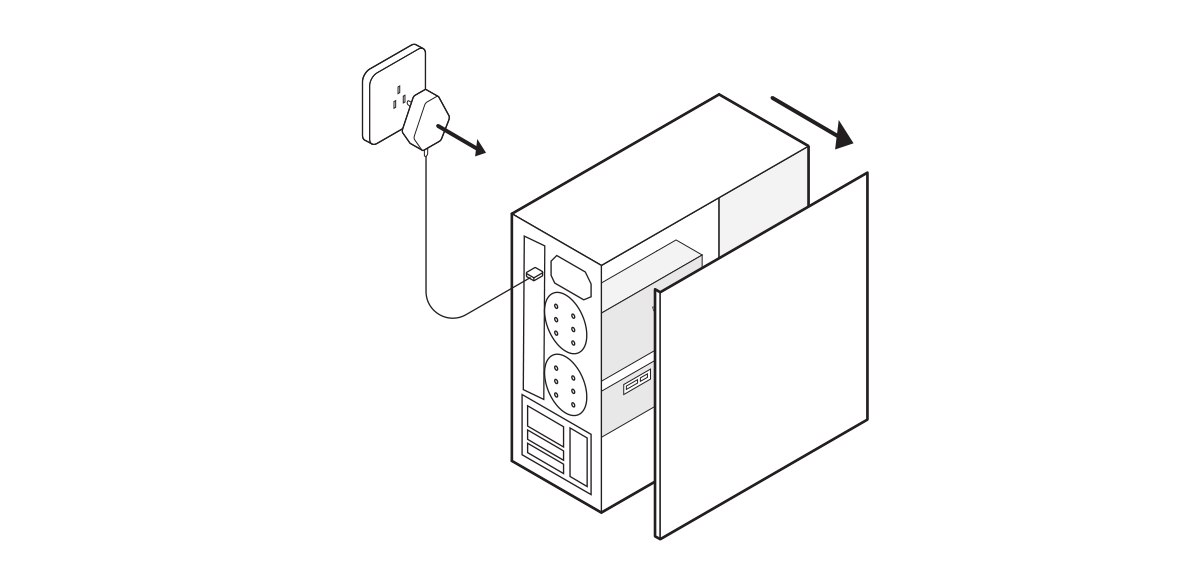
- Unplug your PC and remove the case panel.
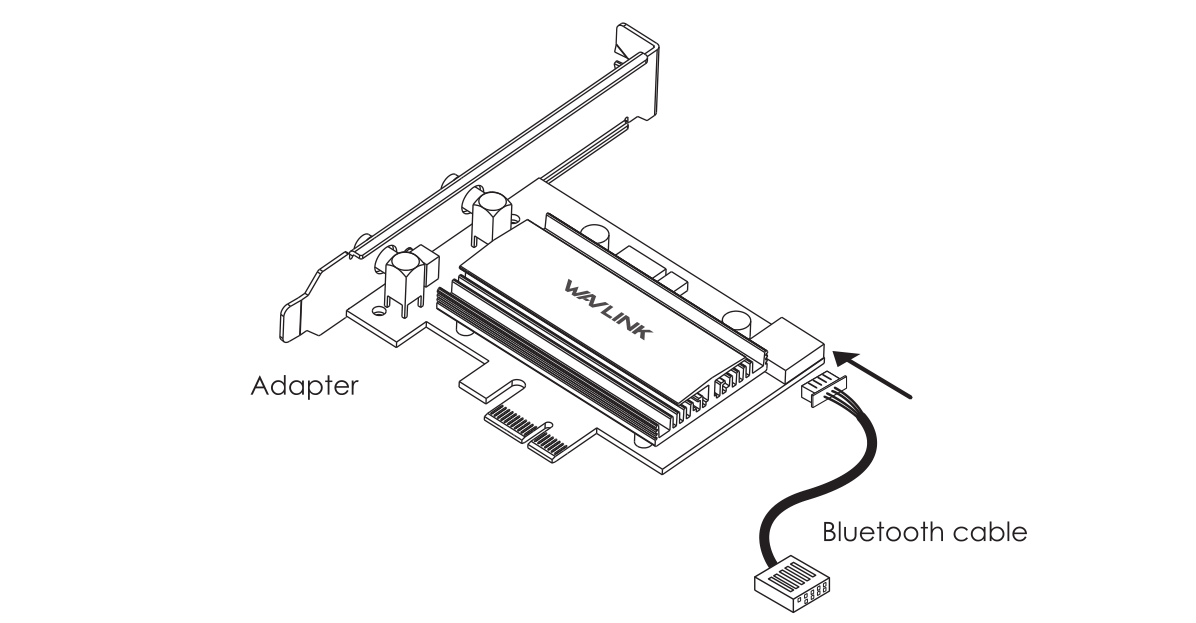
- Connect the Bluetooth cable to the adapter.
- Find the corresponding PCI-E slot, then insert the adapter carefully.
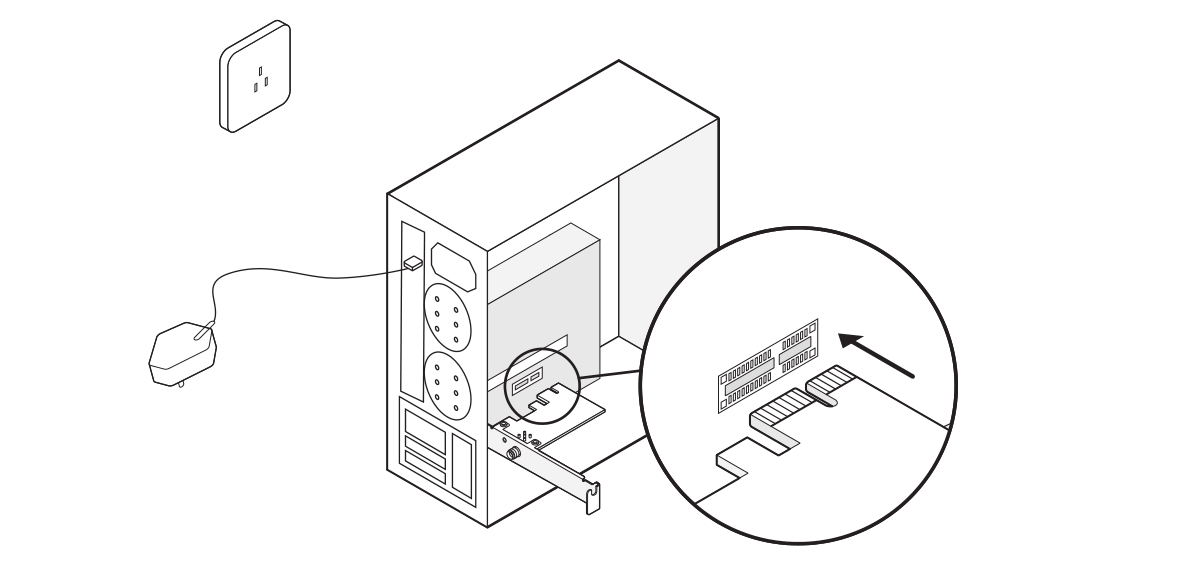
- Find an available F_USB Slot, then carefully connect the Bluetooth cable to it.
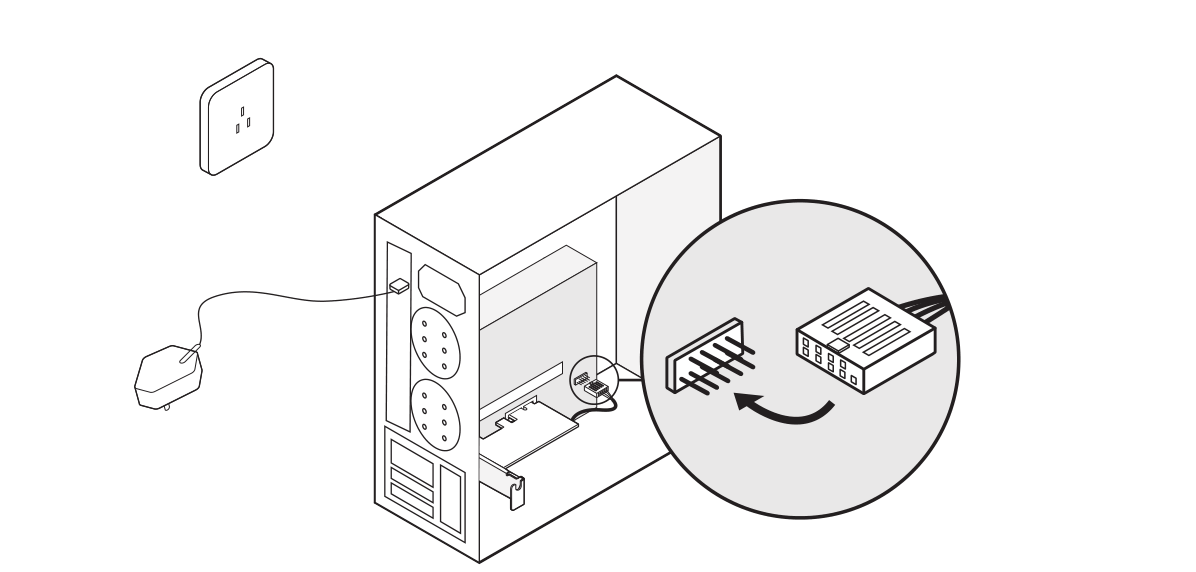
- Mount the external antenna to the adapter base.
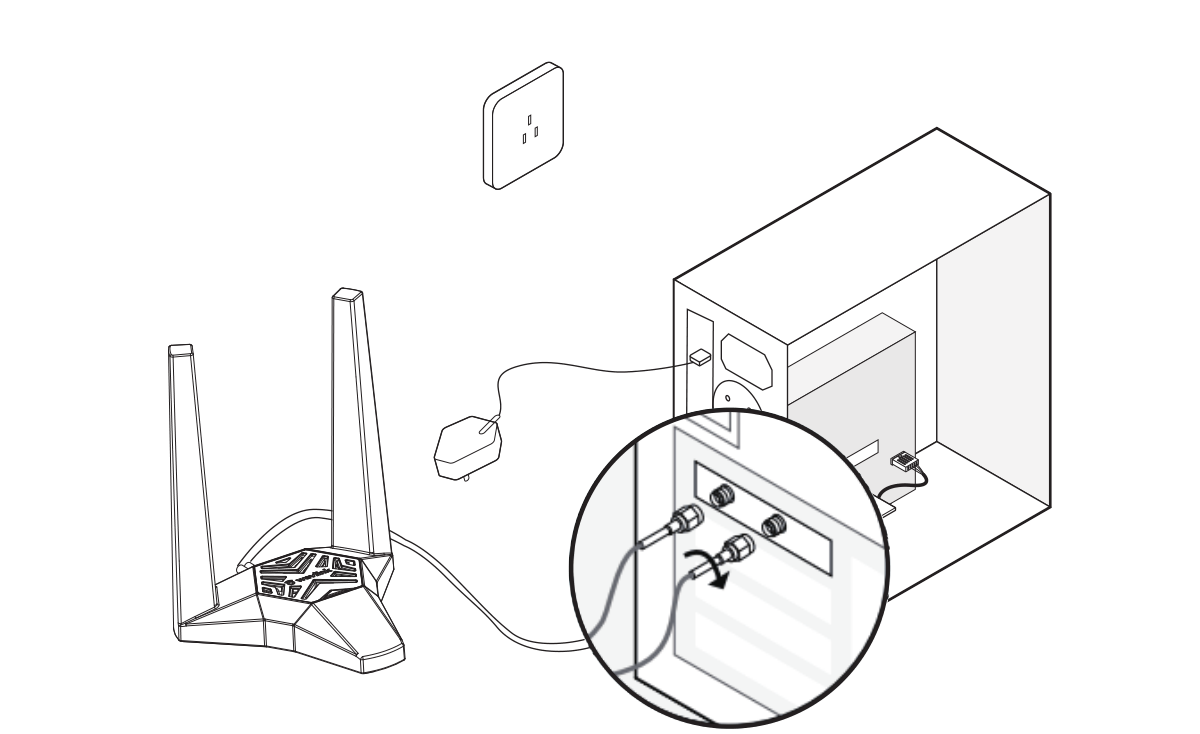
- At last install back the PC case panel, then you can get ready to install the driver.
INTERNAL MAGNET
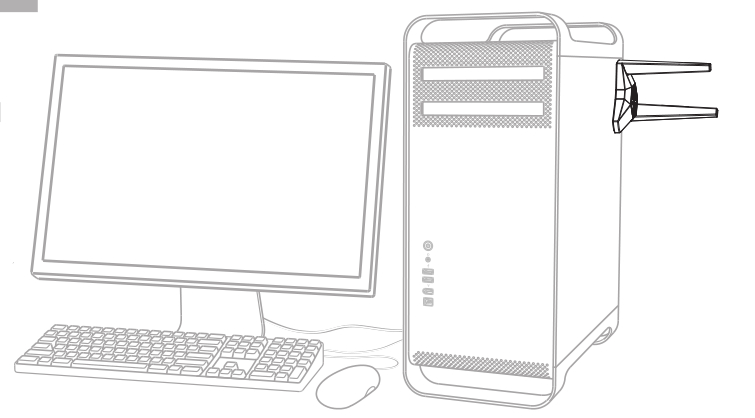
The external antenna can be absorbed on the case panel for its internal magnet.