Chapter 2 How to Connect
This chapter contains the following secions:
How to Connect
Ensuring the driver has been installed before using this Docking Station.
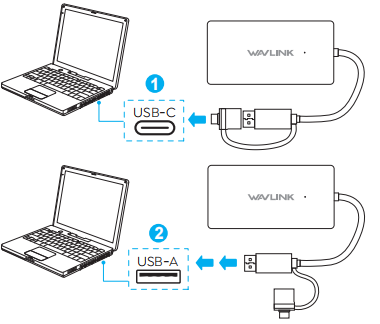
Step 1:
Connect the adapter to your PC/Laptop via USB 3.0 cable.
Step 2:
Connect the HDMI port to output devices, such as monitor or projector, and supports a maximum resolution of 4K for a single display.
