Chapter 2 How to Connect
This chapter introduces the steps of connecting the adapter.
Ensuring the driver has been installed before using this Docking Station.
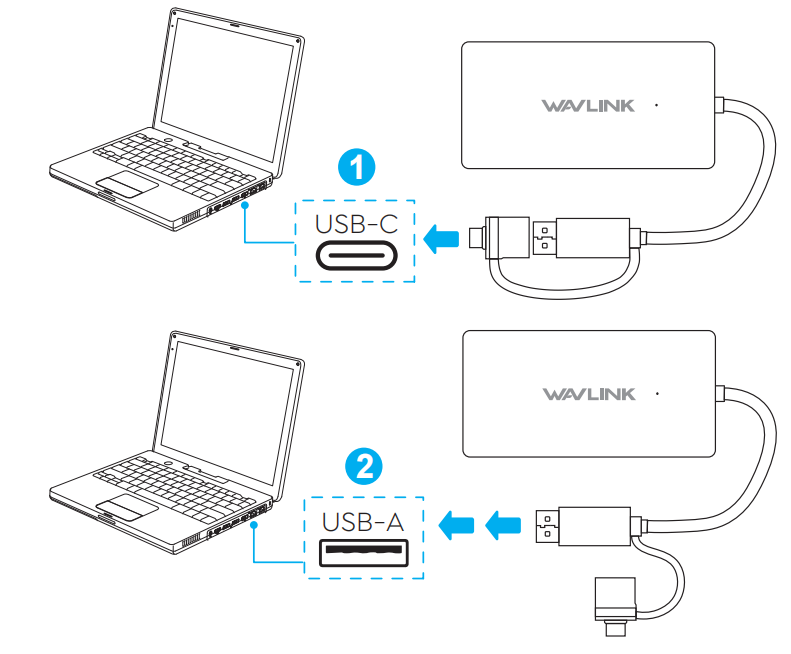
Step 1:
Using the included USB-C to USB-A adapter, you can compatible with USB 3.0/2.0 Type-A/Type-C computer.
Step 2:
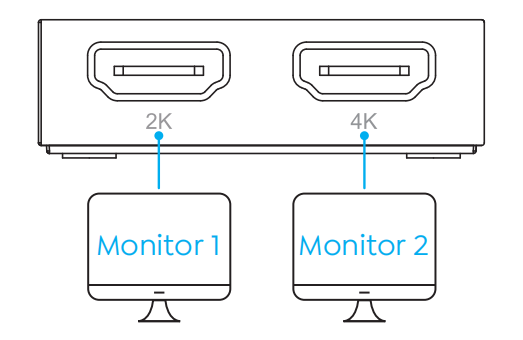
This display adapter features dual HDMI ports for simultaneous multi-monitor output, supporting up to 1080P@60Hz on HDMI 1 and 4K@30Hz on HDMI 2.