Driver Installation
This chapter introduces the steps of driver installation.
- Download WAVLINK 10G Lan Card Driver from www.wavlink.com/en_us/WL-NWU342G or www.wavlink.com > Support > Driver > PC Peripherals > USB Network Card > WL-NWU342G.
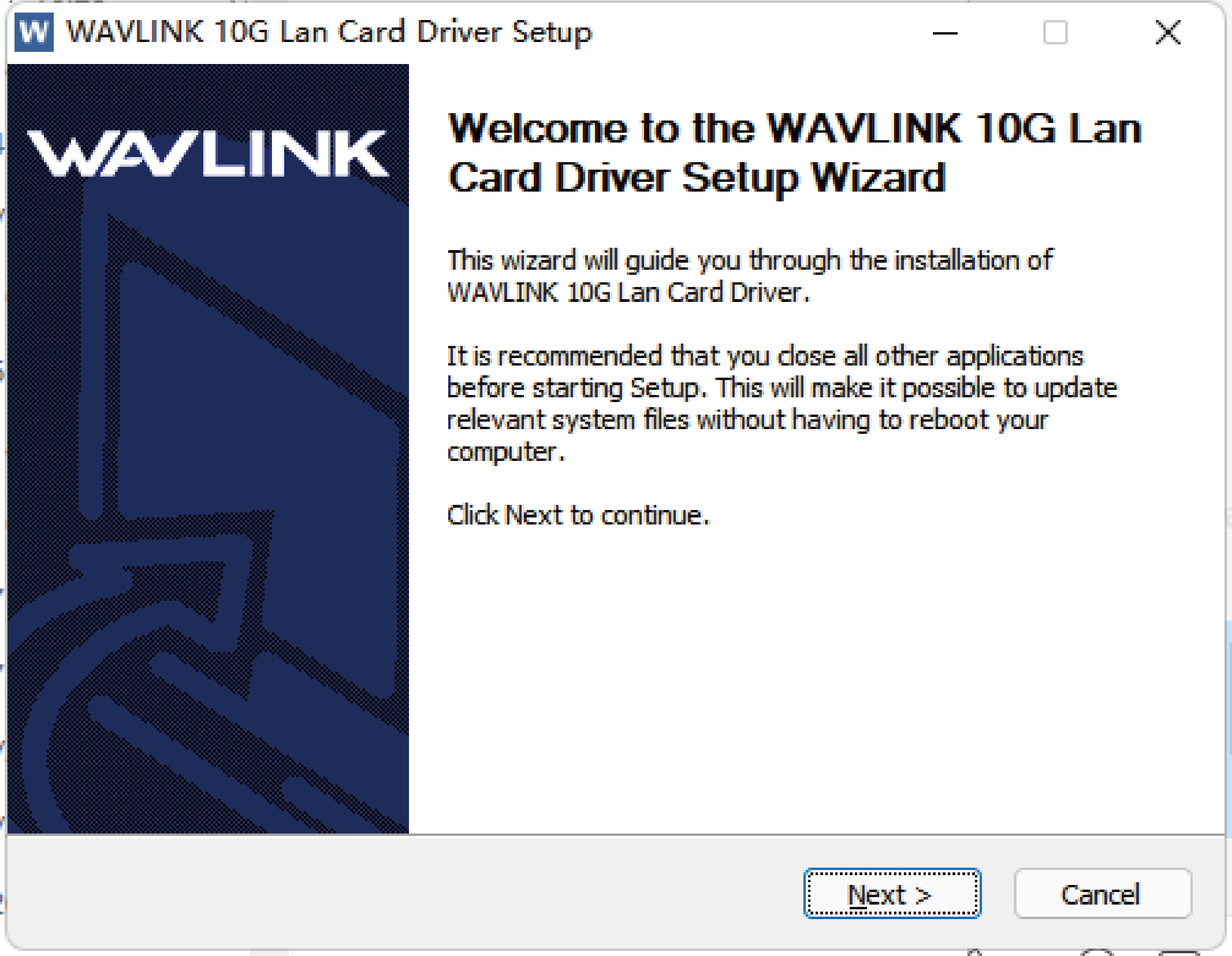
- Extract WAVLINK 10G Lan Card Driver Installation.exe from the file, and double click it to install.
- Click Next.
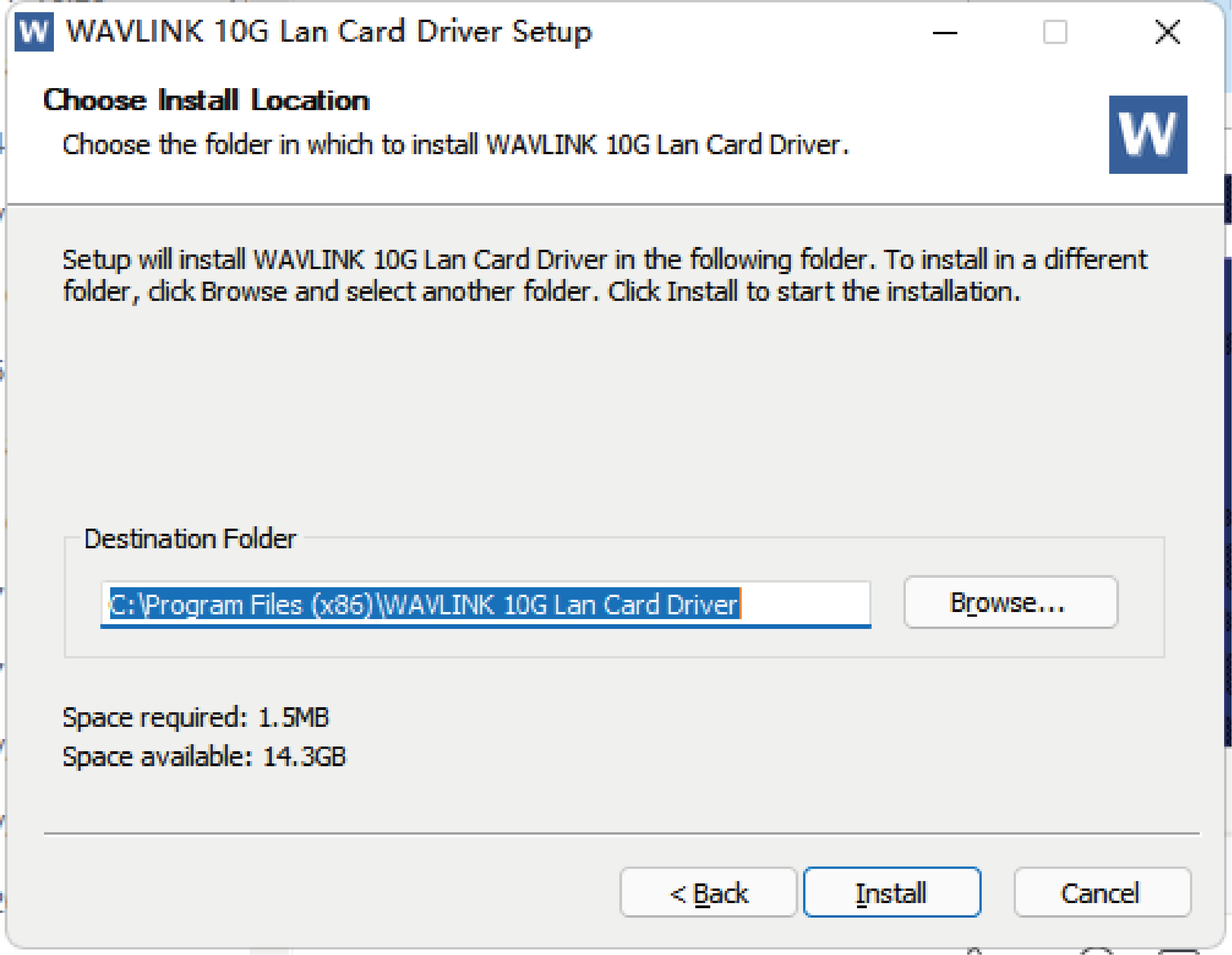
- Click Browse to choose file location, and click Install.
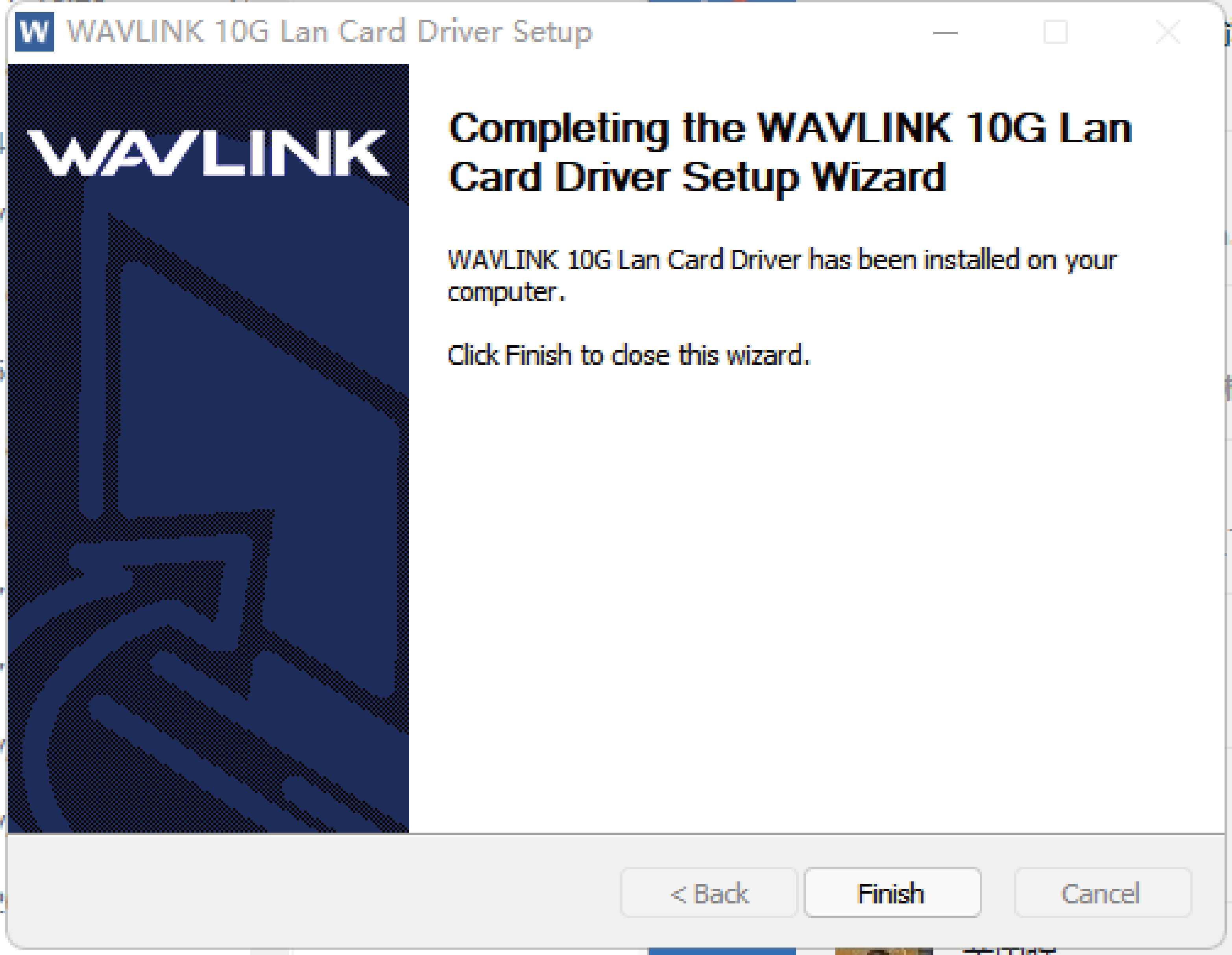
- Click Finish to complete the installation.