Chapter 2 Installation
INSTALLATION
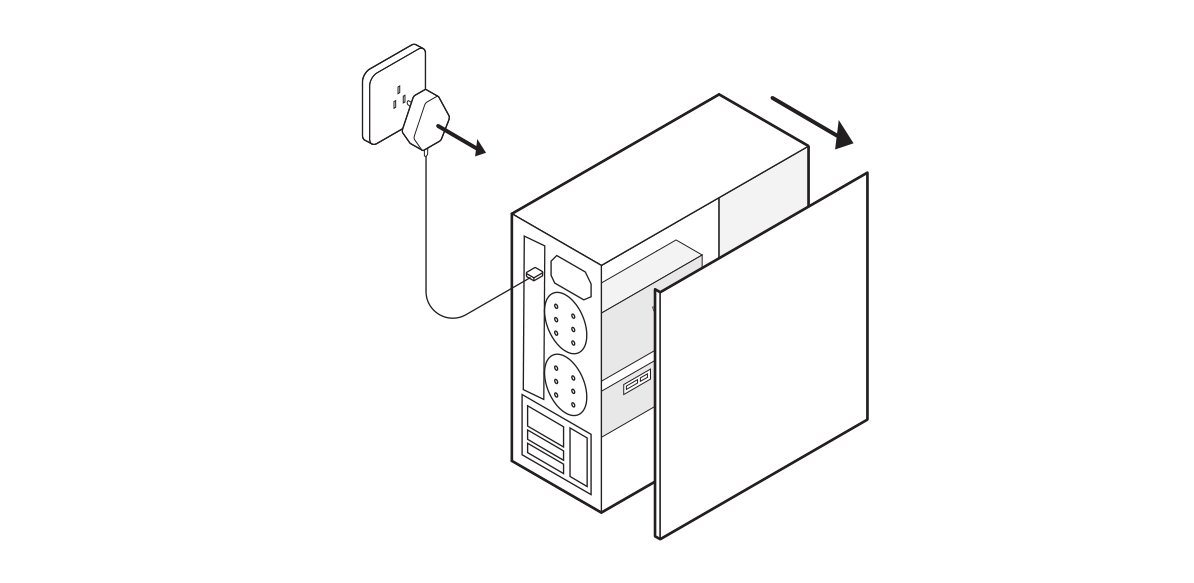
- Unplug your PC and remove the case panel.
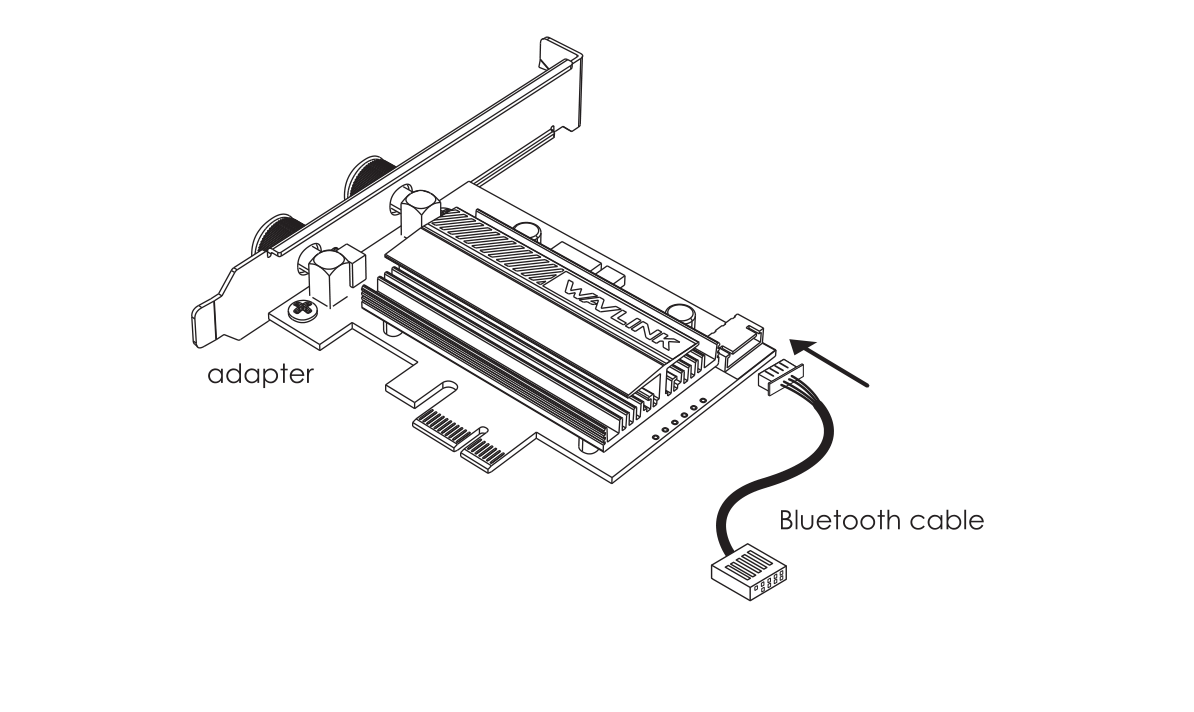
- Connect the Bluetooth cable to the adapter.
- Find the corresponding PCI-E slot, then insert the adapter carefully.

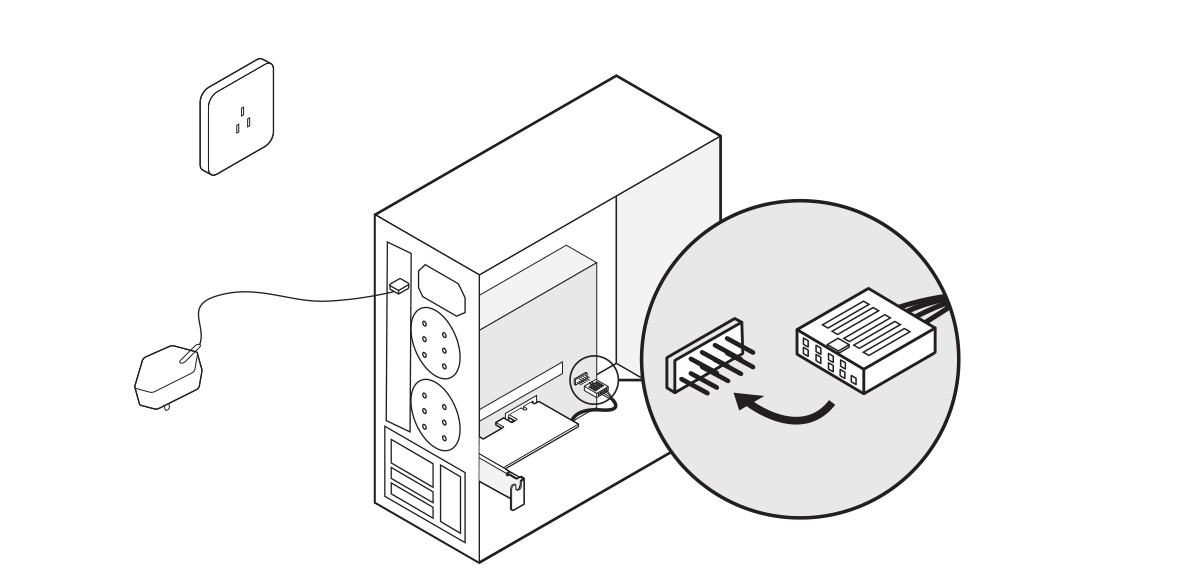
- Find an available F_USB Slot, then carefully connect the Bluetooth cable to it.
- Mount the external antenna to the adapter base.

- At last install back the PC case panel, then you can get ready to install the driver.