Chapter 3 How to Connect
This chapter introduces the steps of connecting the docking station.
Ensuring the driver has been installed before using this Docking Station.
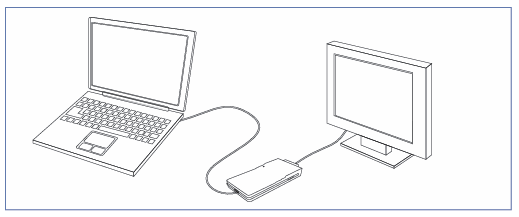
Connect the attached USB 2.0 cable to the display adapter and computer, and then check the port type of your monitor (DVI, VGA and HDMI supported). You can connect the display adapter to a monitor according to the port type.