Chapter 2 Installation and Connection
It contains the following sections :
•SSD Installation and Connection
SSD Installation and Connection
Attention: To make the SSD operate smoothly and successfully, you need to select the compatible type of SSD first, it is compatible with NVMe SSD in sizes: 2280/2260/2242/2230, and only compatible with M-Key, M&B -Key connectors.
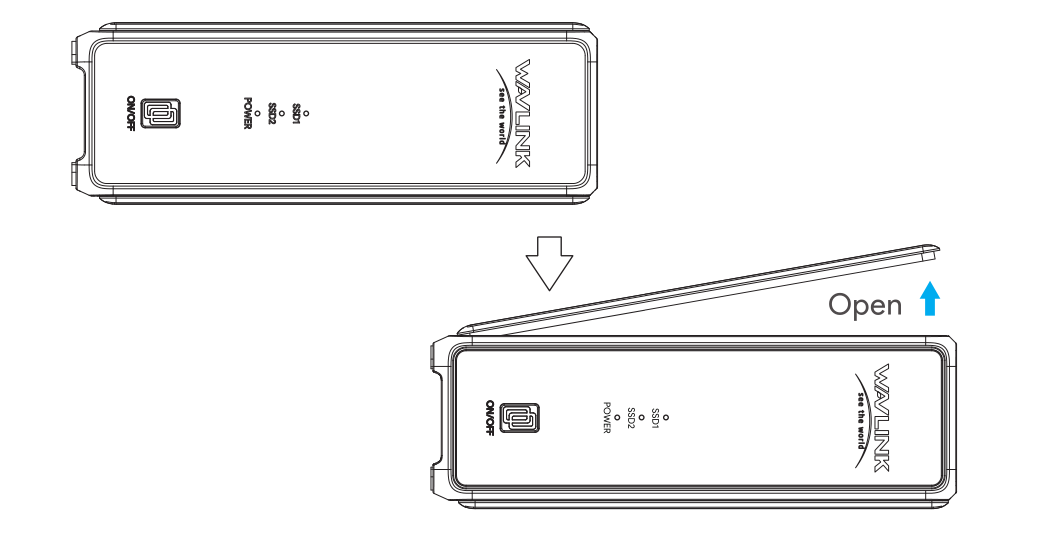
- Open the device’s left and right covers from the top’s depression.
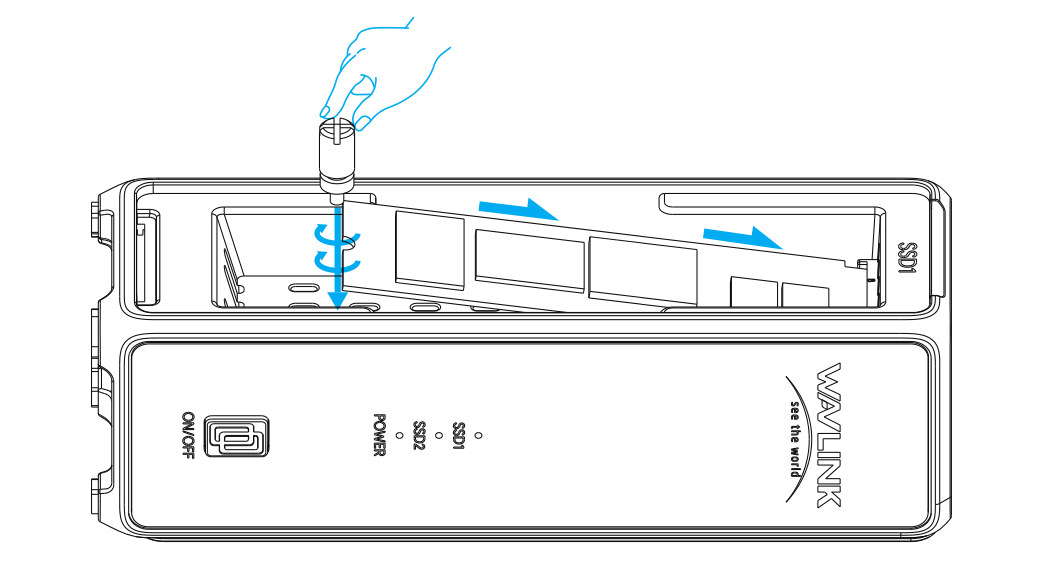
- Insert your SSD into the slot.
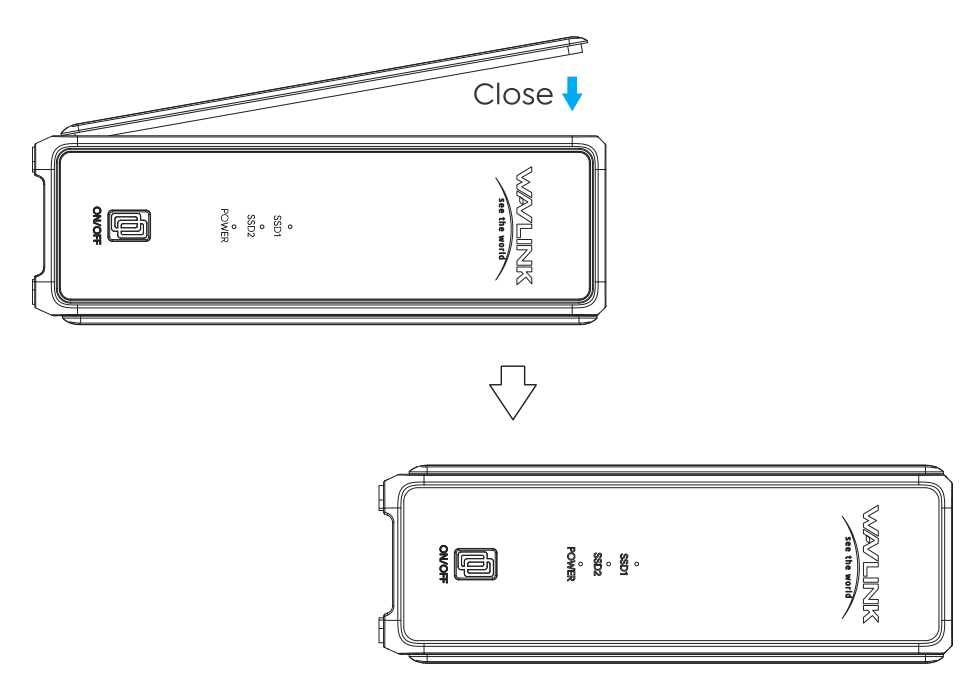
- The device’s left and right covers can be magnetized back into place.
- Connect the adapter to the enclosure "PD IN" port using a USB-C to USB-C PD charge cable. Then connect your laptop to the enclosure's "USB-C" port using a USB-C to USB-C with USB-A cable.